
|
Do it yourself
| |||
| ||||


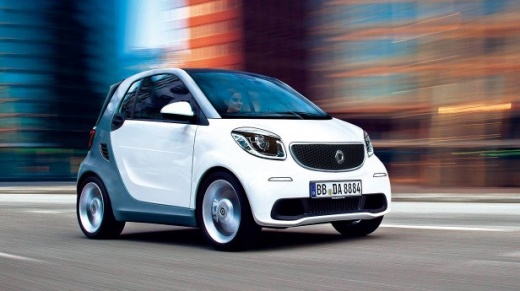
How to Activate the Rev Counter on the Smart 453?
Model: Smart Smart
453
- Years:
2014, 2015, 2016, 2017, 2018, 2019, 2020, 2021, 2022
This video is currently unavailable
To activate the rev counter on the Smart 453, you need a computer connected to the car's ECU via its OBD port. It must be activated using a Mercedes scanning program: this process is not straightforward, so it is advisable to visit an authorised workshop to perform the activation of the car's rev counter. Once the operation is completed, you can disconnect the computer from the OBD port and check the correct functioning of the rev counter. The cost of such an operation may vary depending on the workshop.
Updated on 28 April 2026 by ScegliAuto
Related tutorials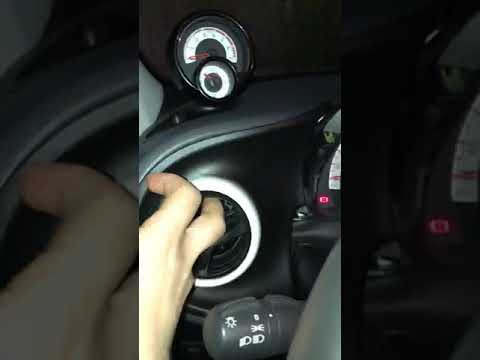
Smart
(2014-2022 /
453)
If you would like to install a rev counter on your automatic Smart 453, this system is really very simple. You can find this rev counter on eBay with…

Smart
(2014-2022 /
453)
This video clearly outlines the steps to complete the job and provides a clear verbal description. The area of interest is the left side of the dashb…

Smart
(2014-2022 /
453)
In this video we can see how to install the Mobyat bracket for supporting the phone, both Android and Apple, specifically designed for navigation sup…
Other guides you may be interested in |
Frequently Asked QuestionsHow to Activate the Automatic Folding and Unfolding of the Wing Mirrors on the Jeep Compass
Follow these brief instructions to activate the automatic folding and unfolding of the external wing mirrors on the Jeep Compass. First, get inside the vehicle and turn on the ignition; then press the button located beneath the mirror glass adjustment to electrically open the mirror, as shown in the video. Pressing the button in the opposite direction will close the mirrors; by holding the button, the mirrors will open and close automatically! by ScegliAuto More videos
|
|
For advertising on this site Write to info@scegliauto.com
ScegliAuto is not responsible for any inaccuracy of the data in the lists. To report any inaccuracy or your business (if you own the business in question), please write to info@scegliauto.com
Number of seconds to generate the page: 0.016
(c) ScegliAuto 2026 - info@scegliauto.com - Privacy policy VAT number: IT01247470535 |
