
|
Do it yourself
| |||
| ||||


How to Reset the Gearbox on a Smart 451?
Model: Smart Smart
451
- Years 2007-2015
When the letter N flashes on the display of the Smart 451's instrument panel, it means there is a fault with the gearbox. To temporarily resolve this fault, you can engage the gear with the engine off. Then, with the gear engaged and the ignition key in position two, push the car so that it can start. Once the clutch is released during the pushing operation, the car will start. However, you should promptly go to a workshop to resolve the issue and avoid further damage.
Updated on 29 April 2026 by ScegliAuto
Video tutorial
Related tutorials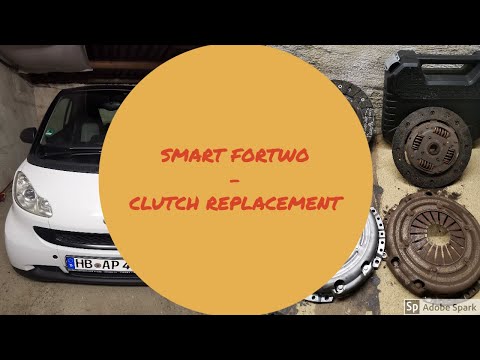
Smart
(2007-2015 /
451)
In today's tutorial video, you will see the main steps to remove and replace the clutch on a Smart Fortwo 451 1.0 MHD. To access the clutch, first re…
Smart
(2007-2015 /
451)
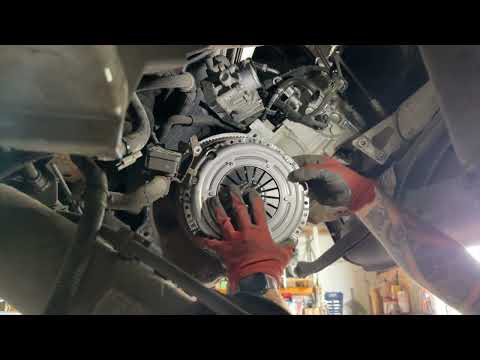
To replace the clutch on a Smart 451, access the engine compartment, located directly under the rear tailgate. Here, you will need to loosen the bolt…

Smart
(2007-2015 /
451)
On the Smart Fortwo, when the flashing letter N appears on the instrument panel, it means that there is a problem with the automatic transmission. To…
Other guides you may be interested in
|
Frequently Asked QuestionsHow to reset the tyre pressure warning light on the Citroën DS4?
The tyre pressure warning light on the Citroën DS4 can be reset by inflating the tyres until they reach the corresponding pressure value, which is indicated on the sticker attached to the driver's door pillar. Once all tyres are at this value, turn on the ignition by inserting the key into the ignition switch; this should make the warning light disappear from the dashboard. If it does not reset, start the engine and drive to allow the sensors to read the new values. by ScegliAuto More videos
|

|
For advertising on this site Write to info@scegliauto.com
ScegliAuto is not responsible for any inaccuracy of the data in the lists. To report any inaccuracy or your business (if you own the business in question), please write to info@scegliauto.com
Number of seconds to generate the page: 0.375
(c) ScegliAuto 2026 - info@scegliauto.com - Privacy policy VAT number: IT01247470535 |
