
|
Do it yourself
| |||
| ||||


How to reset the Smart Fortwo service light
Model: Smart Smart
451
- Years 2007-2015
Let's find out in this short and simple guide how to reset the oil change maintenance service light of the Smart Fortwo, thus resetting the warning light of the triangle that appears on the instrument panel. First we get on board the car and start by pressing and holding the button that we find to the left of the instrument panel; after that we turn on the ignition, turning the key to position one, and we will see that our service warning light will be permanently reset, together with the mileage that can be traveled before the next oil change service.
Posted on 8 February 2022 by ScegliAuto
Video tutorial
Related tutorials
Smart
(2014-2022 /
453)
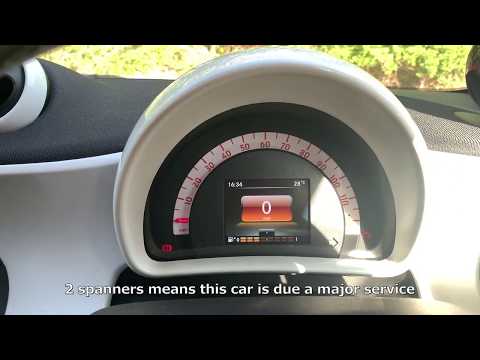
Good morning, today I will guide you through the process of resetting the partial trip on your Smart ForTwo. To begin, let's carefully enter the car.…
Smart
(2014-2022 /
453)
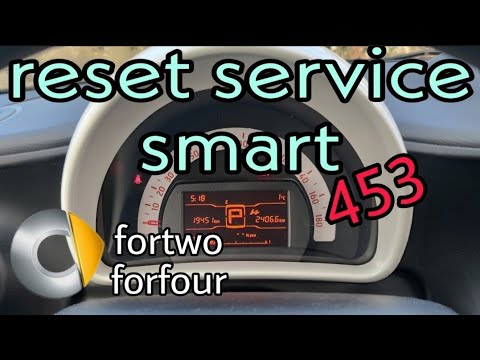
After carrying out the scheduled maintenance operations provided for the Smart ForTwo 453, the relative signal on the display must be reset by follow…
Smart
(2014-2022 /
453)
Let's find out in this video tutorial how to reset the oil change routine maintenance service light on a Smart Fortwo 453, third series. First of all…
Other guides you may be interested in
|
Replacing the Timing Chain on a Toyota Yaris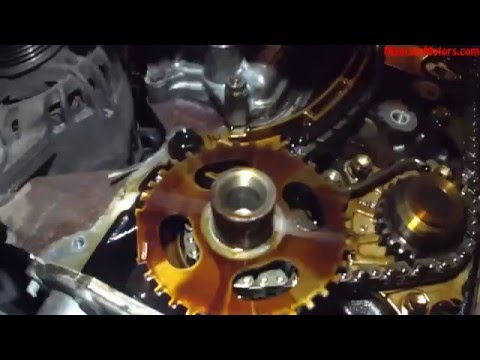
Replacing the timing chain on a Toyota Yaris. Lift the front bonnet and remove the engine cover. Remove the cover above the engine and disconnect all cables on the sides. Remove the plastic cover on the side of the engine. Use a spanner to loosen the chain tensioner roller and pull it out of its seat. Use a socket to unscrew the tensioner securing bolt. Tighten everything with the socket. Refit the engine covers and all chain covers. Test the car's operation. by ScegliAuto More videos
|

|
For advertising on this site Write to info@scegliauto.com
ScegliAuto is not responsible for any inaccuracy of the data in the lists. To report any inaccuracy or your business (if you own the business in question), please write to info@scegliauto.com
Number of seconds to generate the page: 0.005
(c) ScegliAuto 2026 - info@scegliauto.com - Privacy policy VAT number: IT01247470535 |
