
|
Do it yourself
| |||
| ||||


How do you replace the rear brake shoes on the Smart?
Model: Smart Smart
451
- Years 2007-2015
In order to replace the rear brake shoes of the Smart you have to go and lift the car with a jack, so that the corresponding wheel is not in contact with the floor. In this way you can unscrew the bolts that secure the wheel to its housing, accessing the drum below. By unscrewing the appropriate bolts, you can remove the drum having access to the shoes: these must be removed from the brake by disconnecting the cables. When the old shoes have been removed, it will be possible to insert the new ones and then also mount the drum and the corresponding wheel.
Posted on 11 April 2022 by ScegliAuto
Video tutorial
Related tutorials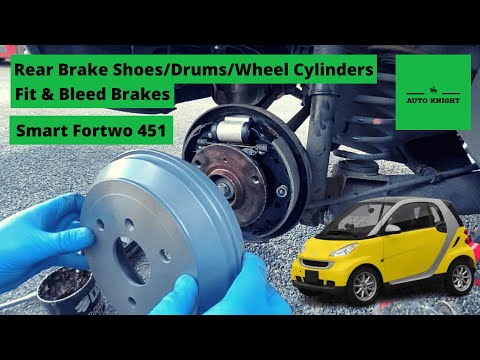
Smart
(2007-2015 /
451)
In this tutorial we can see how to replace the rear brake shoes in the Smart ForTwo, an operation that requires a good base of manual skills. First o…
Smart
(2014-2022 /
453)
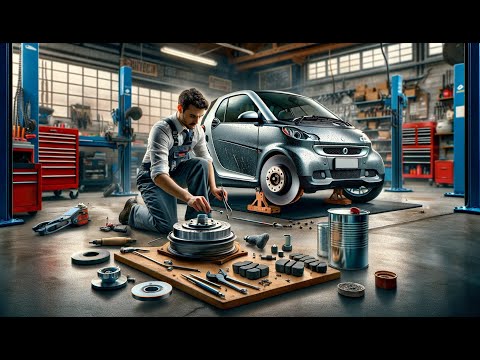
In this video tutorial we will see how to remove and replace the rear brake shoe cylinder of the Smart Fortwo. First we lift the car and start by rem…

Smart
(2007-2015 /
451)
In order to replace the rear brake shoes of the Smart car, you need to loosen the screws that secure the rear wheels after lifting the car with a jac…
Other guides you may be interested in
|
Fuse Replacement on Fiat Grande Punto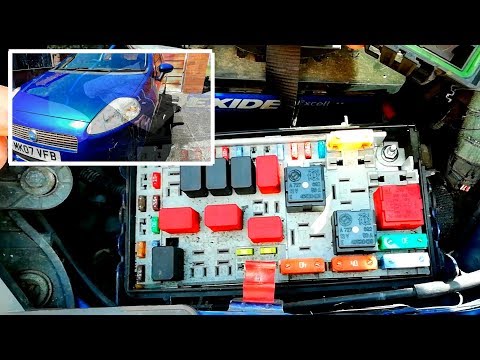
Fuse replacement on the Fiat Grande Punto? Let's see where they are located. Open the door and enter the cabin, then open the glove compartment in the front dashboard (you will find the fuses there). You will also find fuses in the engine compartment: open the front bonnet and remove the cover near the battery using a plastic lever. Use pliers to disconnect the damaged fuses located in the compartment. Once this is done, insert the new fuses into the designated slots in the compartment. Close the fuse inspection box with the cover. by ScegliAuto More videos
|

|
For advertising on this site Write to info@scegliauto.com
ScegliAuto is not responsible for any inaccuracy of the data in the lists. To report any inaccuracy or your business (if you own the business in question), please write to info@scegliauto.com
Number of seconds to generate the page: 0.056
(c) ScegliAuto 2026 - info@scegliauto.com - Privacy policy VAT number: IT01247470535 |
