
|
Do it yourself
| |||
| ||||


How to reset the service light of the Smart Fortwo
Model: Smart Smart
451
- Years 2007-2015
Whenever your car is serviced, the service warning light must be manually reset to eliminate it permanently. Below we will find out together how to perform this procedure on your Smart Fortwo. First insert the key, turn it to position one and turn on the ignition. Then locate the button on the left side of the dashboard and press it twice consecutively. Once this is done, turn off the ignition and hold down the same button you used previously. Turn the ignition back on and release the button as soon as the display stops flashing.
Posted on 17 April 2022 by ScegliAuto
Video tutorial
Related tutorials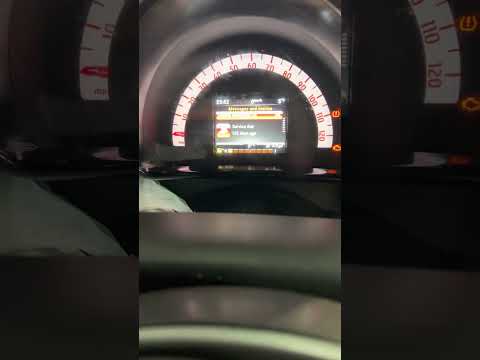
Smart
(2014-2022 /
453)
In this new mini guide dedicated to all owners of a 2015 Smart Fortwo, we will discover together the steps to take if you want to manually reset the …

Smart
(2014-2022 /
453)
In this new guide aimed at those of you who own a 2014 Smart Fortwo, we will discover how to manually reset the service light that continues to remai…

Smart
(1998-2007 /
450)
In this video we can see how to reset the service light of the 2002 Smart Fortwo: we will need to turn on the ignition, and we will see the wrench li…
Other guides you may be interested in
|
How to Replace the Front Brake Pads on an Alfa Romeo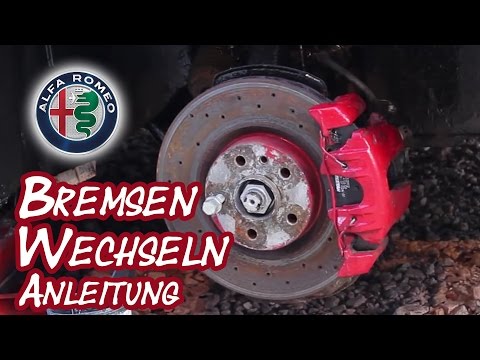
Here’s how to replace the front brake pads on an Alfa Romeo. Lift the car on a column lift (jack) to the desired height, then remove the wheel (using a socket wrench or air impact gun) with the respective bolts. Unscrew the caliper retaining bolt and remove the caliper from the wheel hub. Use a screwdriver to detach the pads from the caliper, then remove the brake caliper. Fit the new pads onto the caliper; then refit the caliper onto the brake disc. Tighten all bolts and refit the wheel. Repeat the same steps for the other calipers on the vehicle. by ScegliAuto More videos
|

|
For advertising on this site Write to info@scegliauto.com
ScegliAuto is not responsible for any inaccuracy of the data in the lists. To report any inaccuracy or your business (if you own the business in question), please write to info@scegliauto.com
Number of seconds to generate the page: 0.237
(c) ScegliAuto 2026 - info@scegliauto.com - Privacy policy VAT number: IT01247470535 |
