
|
Do it yourself
| |||
| ||||


How to connect the smartphone to the Audi S5 via Bluetooth
Model: Smart Smart Various
To be able to connect your smartphone to the infotainment system of your Audi S5 it really takes just a few seconds. It is, in fact, a simple procedure and that we are going to discover in our new mini guide. Once you have started the car ignition and turned on the central display, click on the "Phone" icon and then on the "+" that appears in the center of the screen. At this point, select the "New Connection" option and immediately activate Bluetooth on your smartphone. Once this is done, connect the two devices and confirm the various requests for permissions so as to be able to take advantage of all the features of this technology.
Posted on 19 May 2022 by ScegliAuto
Video tutorial
Related tutorials
Smart Smart Various
We can see how to connect the mobile phone to the Blue & Me system via Bluetooth in any Fiat car: we press the phone call button, located on the left…
Smart Smart Various
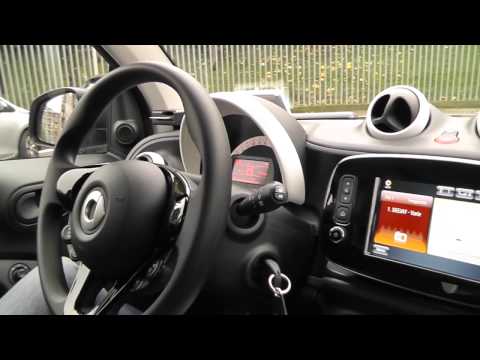
In today's video, we will see the functioning of the infotainment system of the third generation Smart Fortwo, which is the current model. It works i…
Smart Smart Various
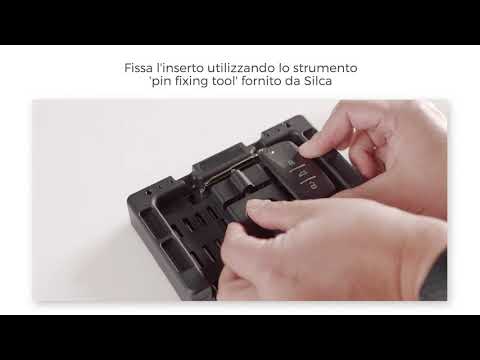
It is our duty to point out the innovations that can help us improve and simplify our life. These remote controls, which may or may not have transpon…
Other guides you may be interested in |
How to Change the Oil in the Transmission of a Volvo XC70
Watch this video to learn how to change the oil in the transmission of a Volvo XC70. Position your car on a column lift and raise it to a comfortable height for disassembly. To change the transmission oil, you need to remove the bolts using a socket spanner. (follow the video) Once the bolts are removed, let the fluid drain into a container. Prepare to refit all the bolts on the transmission with the socket spanner, then top up with the appropriate transmission fluid. Finally, test the correct operation of the transmission. by ScegliAuto More videos
|
|
For advertising on this site Write to info@scegliauto.com
ScegliAuto is not responsible for any inaccuracy of the data in the lists. To report any inaccuracy or your business (if you own the business in question), please write to info@scegliauto.com
Number of seconds to generate the page: 0.049
(c) ScegliAuto 2026 - info@scegliauto.com - Privacy policy VAT number: IT01247470535 |
