
|
Do it yourself
| |||
| ||||


How to reset the tire warning light on Smart
Model: Smart Smart
453
- Years 2014-2022
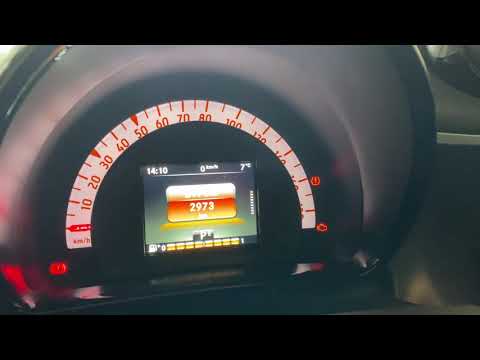
Today in this tutorial we are going to see how to reset the tire pressure warning light in a Smart Fortwo. Turning on of the aforementioned warning light indicates an anomaly in the tire pressure value, which will therefore be below or above the standard values (from 1.8 to 2.5 bar). To reset this warning light, you will have to use the directional arrows and the ok button found on the left side of the steering wheel controls: go to the settings menu and click on the item "Tire pressure check", then the question "Store current pressures as new indicative values? "click yes and then ok. At this point, the light should go out.
Posted on 30 May 2022 by ScegliAuto
Video tutorial
Related tutorials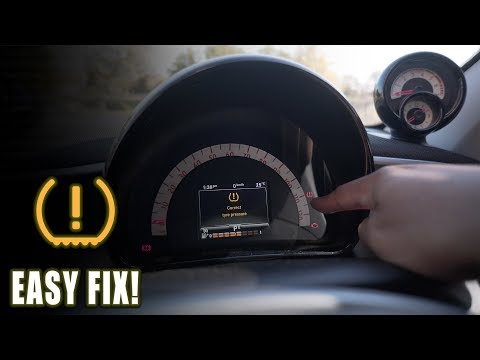
Smart
(2007-2015 /
451)
With the portable compressor supplied with our Smart ForFour, we begin by checking and eventually inflating the tires, so as to reach the pressure re…
Smart
(2014-2022 /
453)
This short video will teach us how to reset the tire pressure warning light in a Smart Fortwo. Turning on of the aforementioned warning light indicat…
Smart
(2014-2021 /
)
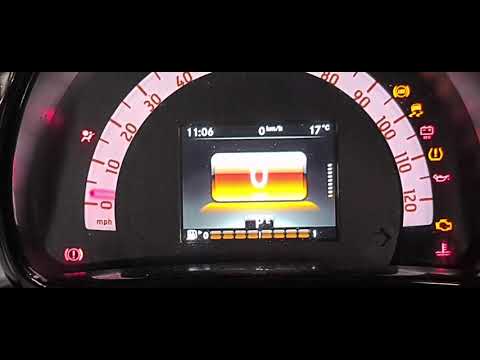
In today's video we will see how the parameter corresponding to the tire temperature sensor in the Smart Fortwo is reset. We recommend carrying out t…
Other guides you may be interested in
|
How to Replace the Front Brake Pads on an Alfa Romeo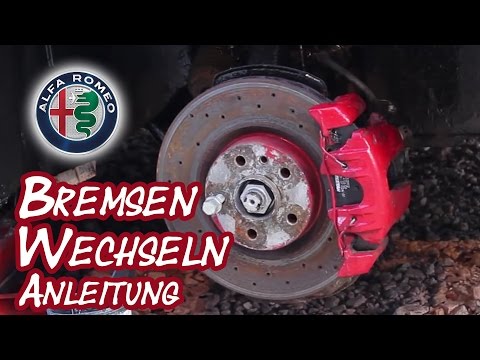
Here’s how to replace the front brake pads on an Alfa Romeo. Lift the car on a column lift (jack) to the desired height, then remove the wheel (using a socket wrench or air impact gun) with the respective bolts. Unscrew the caliper retaining bolt and remove the caliper from the wheel hub. Use a screwdriver to detach the pads from the caliper, then remove the brake caliper. Fit the new pads onto the caliper; then refit the caliper onto the brake disc. Tighten all bolts and refit the wheel. Repeat the same steps for the other calipers on the vehicle. by ScegliAuto More videos
|

|
For advertising on this site Write to info@scegliauto.com
ScegliAuto is not responsible for any inaccuracy of the data in the lists. To report any inaccuracy or your business (if you own the business in question), please write to info@scegliauto.com
Number of seconds to generate the page: 0.060
(c) ScegliAuto 2026 - info@scegliauto.com - Privacy policy VAT number: IT01247470535 |
