
|
Do it yourself
| |||
| ||||


How to reset the service in the Smart ForTwo?
Model: Smart Smart
451
- Years 2007-2015
Resetting the service warning light in the Smart ForTwo 451 is a very simple and fast operation, in this video we can see how to proceed. Obviously, before doing this we must have completed all the required maintenance operations. To proceed with the reset, insert the key and leave it in the initial position. Next, we hold down the small button that we can find on the left of the dashboard, just below the seat belt warning light. At this point, keeping the button pressed, turn on the instrument panel and wait for the default interval to be displayed, i.e. 15,000, before releasing it.
Posted on 4 October 2022 by ScegliAuto
Video tutorial
Related tutorials
Smart
(2014-2022 /
453)
In this tutorial, you will see how to reset the service on a Smart ForTwo, a very simple and quick operation to be performed only after completing al…

Smart
(2014-2022 /
453)
.. In this tutorial we can see how to reset the service in the Smart ForTwo, an extremely simple and quick operation, to be carried.. …
Smart
(2014-2022 /
453)
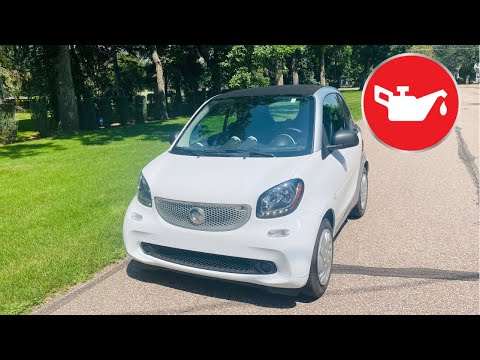
In this tutorial we can see how to reset the oil service in the Smart ForTwo, an extremely simple and fast operation, to be carried out only once all…
Other guides you may be interested in
|
How to Replace the Diesel Filter on a Fiat Freemont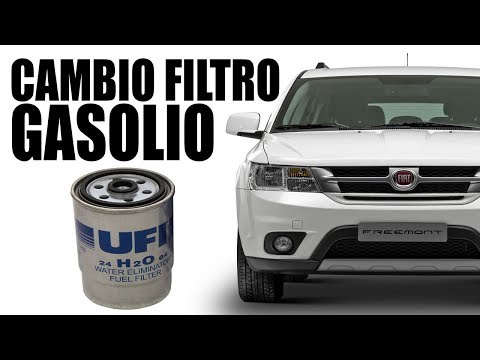
How to replace the diesel filter on a Fiat Freemont? In this video, we will show the replacement: open the car door and pull up the engine compartment release lever located at the bottom left of the dashboard, lift the front bonnet and secure it. Remove the engine soundproofing panel, then use a socket to unscrew the bolts on the plate that supports the filter (disconnect the wires and various pipes from the filter) where it is located. Extract the diesel filter and replace it with a new one. Finally, reassemble the diesel filter container (connect the pipes and wires) and tighten the screws. Close the front bonnet at the end. by ScegliAuto More videos
|

|
For advertising on this site Write to info@scegliauto.com
ScegliAuto is not responsible for any inaccuracy of the data in the lists. To report any inaccuracy or your business (if you own the business in question), please write to info@scegliauto.com
Number of seconds to generate the page: 0.243
(c) ScegliAuto 2026 - info@scegliauto.com - Privacy policy VAT number: IT01247470535 |
