
|
Do it yourself
| |||
| ||||


How to Change the Time on a Smart Fortwo
Model: Smart Smart
Roadster, 452
- Years:
2003, 2004, 2005
Video tutorial
If you need to change the time on the dashboard of your vehicle, follow these simple instructions: first, open the driver's door and sit in the driver's seat. Turn on the ignition and locate the button on the lower right side of the dashboard, next to the speedometer. Press and hold this button until the time display starts to flash. Then, press the button again to scroll through the minutes and seconds. Once the new time is set, release the button and wait a few seconds for the new time to be permanently set.
Updated on 30 June 2026 by ScegliAuto
Related tutorials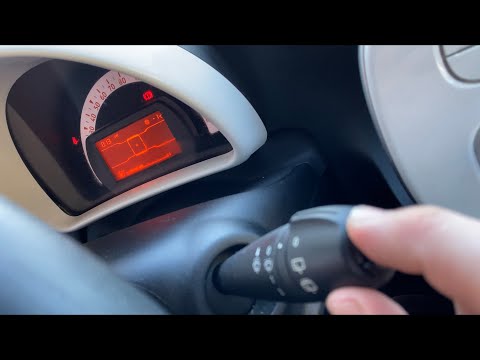
Smart
(2007-2015 /
451)
To set the time on your Smart Fortwo, follow these steps. Turn on the instrument cluster with the ignition key. Press the top button on the wiper sta…
Smart
(1998-2007 /
450)
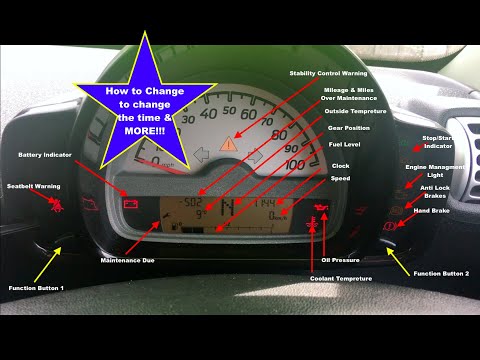
Today, you will see how to set the time and date on a first series Smart Fortwo; the operation is very simple and does not require any tools. First, …

Smart
(2014-2022 /
453)
Today, we will discover the instructions that will allow us to change the time on the central display of a Smart Fortwo in simple and quick steps. Fi…
Other guides you may be interested in
|
How to open the bonnet of a Peugeot 308
To open the bonnet of a Peugeot 308, first enter the vehicle and pull the lever located on the left side of the driver's footwell, next to the door. You should hear a slight "click" indicating the bonnet has released. Then, move to the front of the vehicle. On the left side of the front edge, near the letter "p" in the Peugeot logo, you will find a ring that you need to pull towards you. This will open the bonnet, allowing you to lift it up and secure it with the safety prop. by ScegliAuto More videos
|
|
For advertising on this site Write to info@scegliauto.com
ScegliAuto is not responsible for any inaccuracy of the data in the lists. To report any inaccuracy or your business (if you own the business in question), please write to info@scegliauto.com
Number of seconds to generate the page: 0.062
(c) ScegliAuto 2026 - info@scegliauto.com - Privacy policy VAT number: IT01247470535 |
