
|
Do it yourself
| |||
| ||||


How to reset the service light on the Smart ForFour?
Model: Smart Smart
Fourfour1, 454
- Years 2004-2006
We follow the procedure explained by the author of this video to reset the service light on a Smart Forfour, specifically the model produced between 2004 and 2006. 1) We start by turning on the instrument panel; 2) we press the reset button for the partial odometer (located above the dashboard) until the display shows the remaining kilometers until the service is due; 3) we turn off the panel; 4) we hold down the previous button and turn on the panel again; 5) we continue to hold the button down for at least 10 seconds; 6) once we see the value for the remaining kilometers change on the display, we can release the button and turn off the panel.
Posted on 14 November 2023 by ScegliAuto
Video tutorial
Related tutorials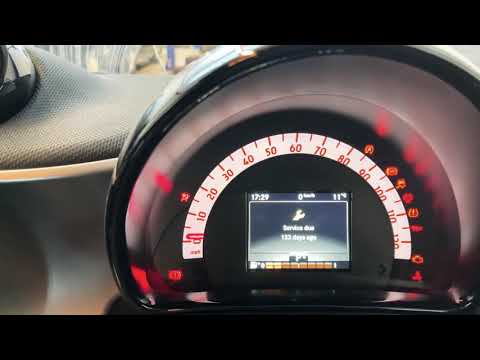
Smart
(2014-2022 /
453)
If you want to quickly and easily reset the maintenance warning light on your Smart Forfour, all you have to do is follow the instructions in our new…
Smart
(2014-2021 /
)
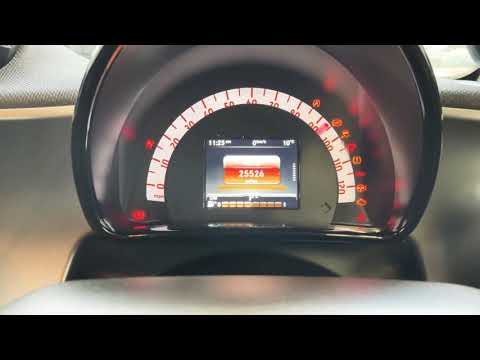
The first step to reset the service light on a 2015 Smart ForFour is to turn on the instrument panel. We use the control panel located on the left si…

Smart
(2014-2022 /
453)
These short and simple instructions will allow us to reset the maintenance reminder (service) on the Smart Forfour, as well as on the Fortwo. First o…
Other guides you may be interested in
|
How to Replace the Fan Resistor on a Renault Scenic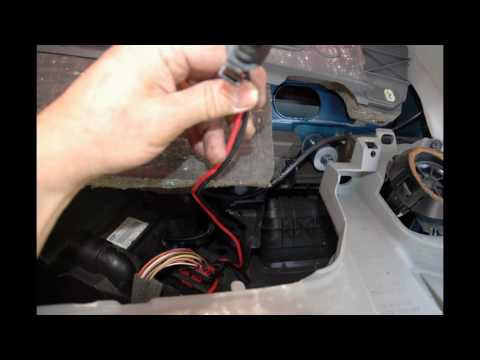
How to replace the fan resistor on a Renault Scenic. In this video, learn how to perform the disassembly: use a lever to remove the plastic under the glove compartment, and unscrew the cover (where the resistor is located) with a screwdriver. Disconnect the large connector of the resistor, then pull it out from the cabin. Insert a new fan resistor (connect the power connector). Finally, refit the cover and tighten the screws. Check the correct assembly of the previously fitted parts and test the correct operation of the fan. by ScegliAuto More videos
|
|
For advertising on this site Write to info@scegliauto.com
ScegliAuto is not responsible for any inaccuracy of the data in the lists. To report any inaccuracy or your business (if you own the business in question), please write to info@scegliauto.com
Number of seconds to generate the page: 0.049
(c) ScegliAuto 2026 - info@scegliauto.com - Privacy policy VAT number: IT01247470535 |
