
|
Do it yourself
| |||
| ||||


How to Replace the Front Headlamp Bulb on the Smart 451?
Model: Smart Smart
451
- Years 2007-2015
The procedure for replacing the front headlamp bulb on the Smart involves removing the front panel of the car to access the screws that secure the headlight assembly in place. Once the screws securing the headlamp are loosened, disconnect the connector located inside. At this point, you can pull the headlamp out of its housing so that the bulb inside can be removed; after removal, insert the new bulb, reconnecting its connector and securing it in place.
Updated on 13 September 2026 by ScegliAuto
Video tutorial
Related tutorials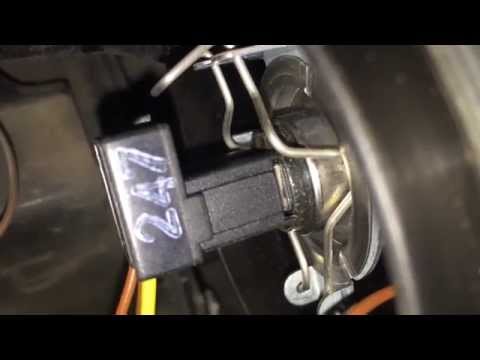
Smart
(2007-2015 /
451)
To replace the front headlamp bulb on a Smart 451, open the bonnet to access the rear of the headlamp. Remove the circular cover that protects the co…
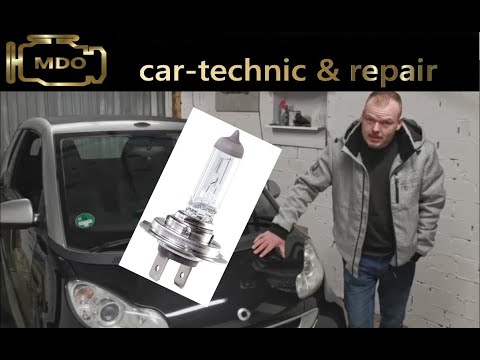
Smart
(2007-2015 /
451)
The front headlight bulb on the Smart 451 can be replaced by loosening the clips located on the sides of the front grille of the car: by releasing th…
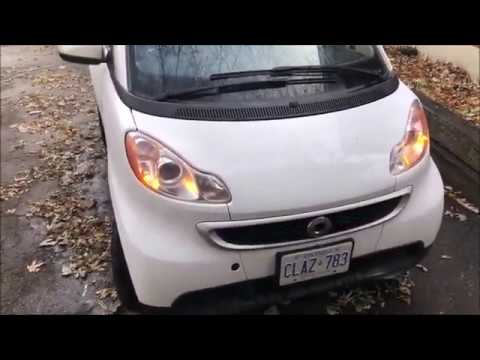
Smart
(2007-2015 /
451)
To replace the front headlamp bulb on a Smart 451, lift the clips located on the sides of the grille: once these clips are lifted, you can detach the…
Other guides you may be interested in
|
How to Replace the Remote Battery for the Volvo XC40?
In this tutorial, you will see how to replace the battery in the remote for the Volvo XC40, a very simple and quick operation. For this, you will need a replacement battery of type CR2032 and possibly a small flathead screwdriver. First, remove the front cover by pressing the button on the metal ring, then locate the second button, press it as well, and remove the opposite cover. Next, open the circular cap, take out the old battery, and insert the new one in the opposite direction. Finally, reassemble everything. by ScegliAuto More videos
|

|
For advertising on this site Write to info@scegliauto.com
ScegliAuto is not responsible for any inaccuracy of the data in the lists. To report any inaccuracy or your business (if you own the business in question), please write to info@scegliauto.com
Number of seconds to generate the page: 0.067
(c) ScegliAuto 2026 - info@scegliauto.com - Privacy policy VAT number: IT01247470535 |
