
|
Do it yourself
| |||
| ||||


How to reset the inspection light on the Smart 451
Model: Smart Smart
451
- Years 2007-2015
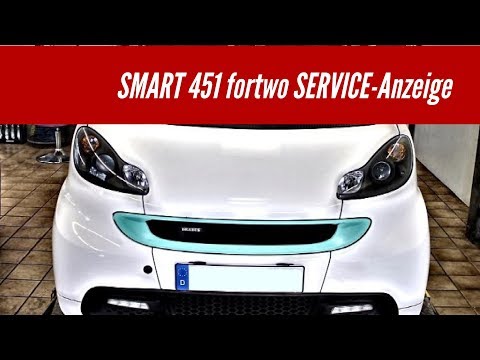
In this video we can see how to reset the maintenance light of a Smart 451: we will need to turn on the instrument panel, after closing the doors. Then select the maintenance indicator - within the first four seconds - by pressing the reset button for partial kilometers, which is located at the base of the display in the instrument panel. Within ten seconds turn off the instrument panel, then press and hold the reset button for kilometers. Turn on the instrument panel again and wait for ten seconds, then release the button when the "0" appears in the odometer display. Turn off the instrument panel, service reset.
Posted on 22 April 2024 by ScegliAuto
Video tutorial
Related tutorials
Smart
(2007-2015 /
451)
If even after performing the regular maintenance of your Smart 451 (year 2007-2015) you notice that the alarm light continues to turn on on the dashb…

Smart
(2007-2015 /
451)
Let's discover useful information to reset the inspection (service) warning for the routine maintenance of the engine oil change on the Smart Fortwo,…
Smart
(2007-2015 /
451)
The operation of resetting the Service light of the Smart 451 is done by turning on the instrument panel by turning the key and then quickly pressing…
Other guides you may be interested in |
How to Remove the Front Bumper on a Renault Clio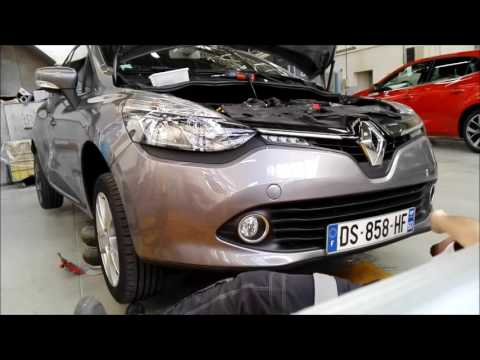
Want to remove the front bumper on a Renault Clio? Let's see how to proceed with the disassembly in the video: open the bonnet by pulling the bonnet release lever and secure it. Unscrew the fastening pins of the upper cover of the front bumper using a socket wrench. Unscrew the screws on the front bumper, unscrew the screws under the splash guard and under the bumper. Remove the bumper from the body of the vehicle, unscrew the pins located at the side of the headlight (if you need to replace it). Fit the new bumper with the associated pins onto the vehicle, following the steps taken during disassembly. by ScegliAuto More videos
|

|
For advertising on this site Write to info@scegliauto.com
ScegliAuto is not responsible for any inaccuracy of the data in the lists. To report any inaccuracy or your business (if you own the business in question), please write to info@scegliauto.com
Number of seconds to generate the page: 0.039
(c) ScegliAuto 2026 - info@scegliauto.com - Privacy policy VAT number: IT01247470535 |
