
|
Do it yourself
| |||
| ||||


How do you reset the tire pressure warning light on the Smart car?
Model: Smart Smart
451
- Years 2007-2015
In order to reset the tire pressure warning light on the Smart car, you first need to read the optimal pressure values to inflate the tires to: these values are shown on the sticker attached to the driver's side door pillar. Once these values have been identified, you can proceed to inflate the tires; then, after inflation, you need to turn on the instrument panel so that the sensors have time to read the new values. Once these have been learned, you will notice that the warning light will turn off and the instrument panel can be turned off.
Posted on 11 May 2024 by ScegliAuto
Video tutorial
Related tutorials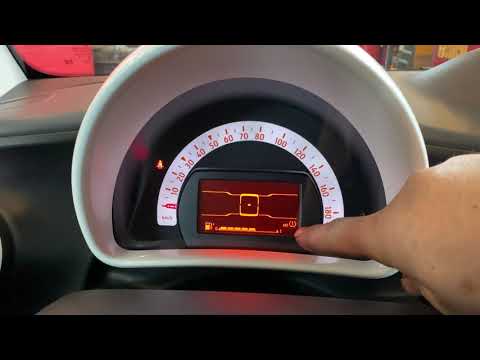
Smart
(2007-2015 /
451)
To reset the tire pressure warning light on the Smart ForTwo, you need to inflate the tires to the optimal pressure value. This value is indicated on…
Smart
(2014-2022 /
453)
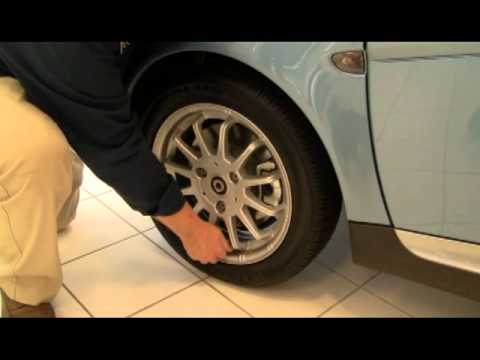
The procedure for resetting the tire pressure warning light on the Smart car involves turning on the instrument panel and navigating through the menu…

Smart
(2014-2022 /
453)
In this tutorial, we will see how to reset the tire warning light in the Smart ForTwo, an extremely simple and quick operation that should be done on…
Other guides you may be interested in
|
How to Remove the Front Shock Absorber on a Peugeot 406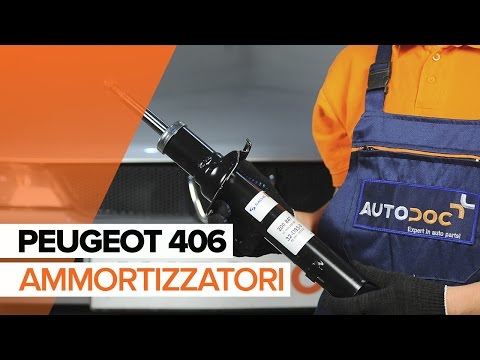
How to remove the front shock absorber on a Peugeot 406? The first step is to lift the bonnet and secure it with the prop rod. Use a socket wrench to unscrew the shock absorber mounting bolts (engine bay), lift the car on a column lift and remove the front wheel. Unscrew the shock absorber mounting bolts at the wheel hub (detach the brake line clips with a screwdriver). Unscrew the bolts on the side, then remove the shock absorber from its housing (place a support under the bar). Compare the old part with the new one and prepare for installation. Fit the new shock absorber to the car, working in reverse order. by ScegliAuto More videos
|

|
For advertising on this site Write to info@scegliauto.com
ScegliAuto is not responsible for any inaccuracy of the data in the lists. To report any inaccuracy or your business (if you own the business in question), please write to info@scegliauto.com
Number of seconds to generate the page: 0.049
(c) ScegliAuto 2026 - info@scegliauto.com - Privacy policy VAT number: IT01247470535 |
