
|
Do it yourself
| |||
| ||||


How do you replace the battery of the Smart 450?
Model: Smart Smart
450
- Years 1998-2007
In order to replace the battery of the Smart 450, you need to remove the carpet located under the passenger side glove compartment: once the carpet is removed, you will be able to locate the battery underneath. The battery can be removed from its housing by loosening the screws that secure the bracket and disconnecting the power cables connected to it; after removing the old battery, you can insert the new one, which must be connected to the appropriate cables and secured with the bracket, covering everything with the carpet.
Posted on 15 July 2024 by ScegliAuto
Video tutorial
Related tutorials
Smart
(1998-2007 /
450)
In today's video tutorial, you will learn how to remove and replace the battery on the Smart Fortwo 450, first series, by following the instructions …
Smart
(1998-2007 /
450)
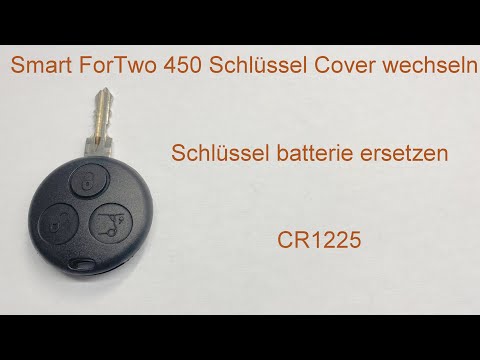
To replace the battery in the remote of a first series Smart (Smart 450), follow these simple steps. First, as shown in the video at minute 0:10, use…
Smart
(1998-2007 /
450)
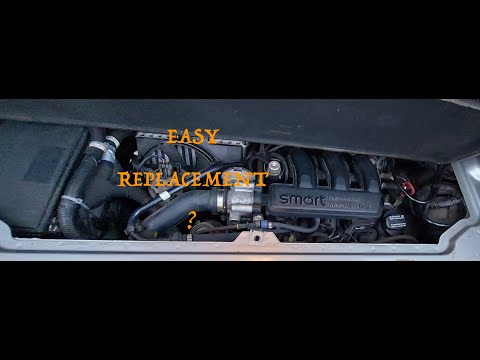
If you want to avoid overheating or loss of power in your Smart 450, you must periodically replace the air filter. Below, we will discover how to per…
Other guides you may be interested in
|
Frequently Asked QuestionsResetting the Tyre Pressure Warning Light on the Hyundai I20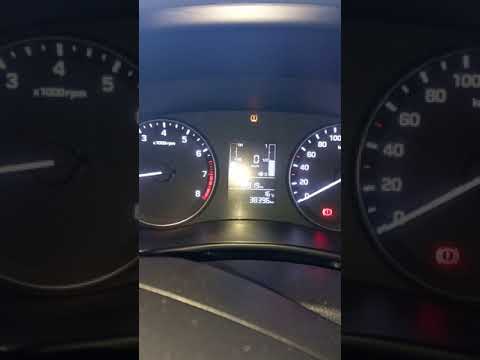
Today, let's look at the instructions to reset the tyre pressure warning light on the Hyundai I20 in simple and quick steps. The vehicle is equipped with an automatic TPMS that constantly monitors tyre pressures; when an anomaly occurs, the system triggers an alarm, displaying the relevant warning light on the dashboard. So, restore the tyre pressures, which will automatically reset the TPMS light on the dashboard; finally, turn off the ignition and start the engine! by ScegliAuto More videos
|
|
For advertising on this site Write to info@scegliauto.com
ScegliAuto is not responsible for any inaccuracy of the data in the lists. To report any inaccuracy or your business (if you own the business in question), please write to info@scegliauto.com
Number of seconds to generate the page: 0.382
(c) ScegliAuto 2026 - info@scegliauto.com - Privacy policy VAT number: IT01247470535 |
