
|
Do it yourself
| |||
| ||||


|
Model: Suzuki Boulevard
To replace the front brake pads on a Suzuki Boulevard, loosen the bolts securing the brake caliper to the corresponding disc: once the securing bolts are unscrewed, detach the caliper and remove the pin that holds the pads inside. At this point, position the new pads in the caliper so that they can be secured with the corresponding pin: the caliper must now be positioned on the disc to secure it with the bolts, ensuring everything functions correctly.
Posted on 10 February 2026 by ScegliAuto
Video tutorial
Related tutorials
Boulevard
To replace the rear brake pads on the Suzuki Boulevard M109R, you need to loosen the screws that secure the caliper to its housing, located at the to…

Boulevard
In this tutorial, you will see how to replace the front headlamp bulb in a Suzuki Boulevard C90T, a very simple and quick operation. First, ensure th…

Boulevard
In order to replace the exhaust pipe of the Suzuki Boulevard C50T, you need to loosen the screws that fix the exhaust terminal to its housing on the …
|
Replacing the Front Brake Pads on the Piaggio Vespa 50 LX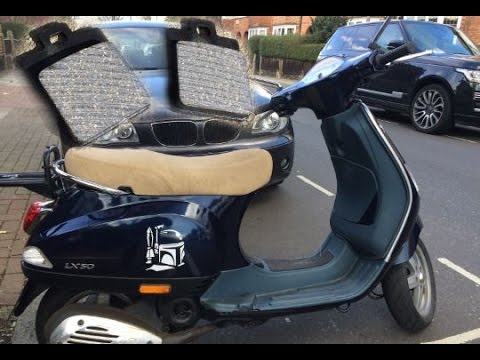
This guide will illustrate the instructions on how to remove and replace the front brake pads on the Piaggio Vespa 50 LX. First, place your scooter on the centre stand and start unscrewing the nuts securing the front wheel to remove it; then use pliers to remove the brake pad retaining clip, as shown in the video. At this point, remove the old pads, cleaning the caliper of dirt; press the caliper piston back to allow for the installation of the new pads (of excellent quality). Finally, reassemble the front wheel. by ScegliAuto More videos
|
|
For advertising on this site Write to info@scegliauto.com
ScegliAuto is not responsible for any inaccuracy of the data in the lists. To report any inaccuracy or your business (if you own the business in question), please write to info@scegliauto.com
Number of seconds to generate the page: 0.005
(c) ScegliAuto 2026 - info@scegliauto.com - Privacy policy VAT number: IT01247470535 |
