
|
Do it yourself
| |||
| ||||


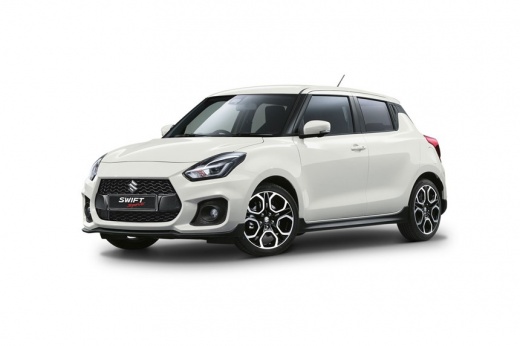
How to connect Android Auto or Apple CarPlay on Suzuki Swift
Model: Suzuki Swift
MK 6, A2L
- Years:
2017, 2018, 2019, 2020, 2021, 2022, 2023, 2024
Video tutorial
Let's see how to connect our smartphone to our Suzuki Swift using the AndroidAuto or AppleCarPlay system: from the multimedia screen, we go to press the section dedicated to the phone, at the bottom right, it will take us to a page where we see that we have no phone connected. Click on the settings button: the device has priority for Android, so we prepare our USB cable and connect it to our smartphone, and once connected, we are already connected with Android Auto, and our smartphone has already performed its mirroring function on the car's screen. If we click on the "Suzuki" button, we exit the mirroring.
Posted on 21 May 2025 by ScegliAuto
Related tutorials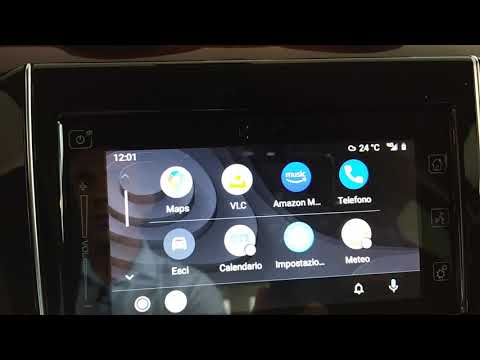
Suzuki Swift
(2010-2017 /
AZG, MK 5, Rs41)
Learn how Android Auto works for the Suzuki Swift; a good quality cable is essential for the proper functioning of this application. Unfortunately, s…
Suzuki Swift
(1994-2004 /
MK 3)
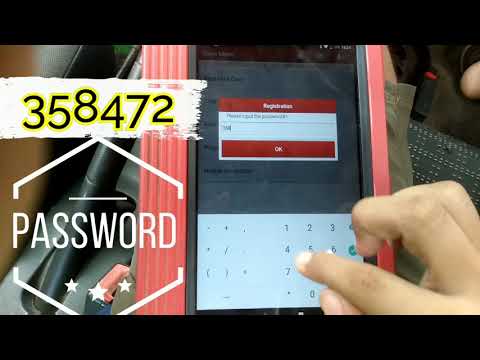
To disable the immobiliser on the Suzuki Swift, connect a diagnostic tool to the vehicle's OBD port: this port is located in the lower left part of t…

Suzuki Swift
(2017-2024 /
MK 6, A2L)
On the Suzuki Swift, the maintenance interval and oil change reset is done from the instrument cluster. With the Suzuki Swift stationary and the engi…
Other guides you may be interested in |
How to Reset the Tyre Pressure Warning Light on a Kia Rio?
The tyre pressure warning light displayed on the instrument cluster of the Kia Rio can be reset by inflating the tyres until they reach the recommended pressure value: this value is indicated on the sticker affixed to the driver's door pillar. Once all tyres have been inflated to the recommended pressure, turn on the ignition to check that the light has disappeared: if it is still present, it may be necessary to drive for a few miles, allowing the sensors to work and thus turning off the light. by ScegliAuto More videos
|
|
For advertising on this site Write to info@scegliauto.com
ScegliAuto is not responsible for any inaccuracy of the data in the lists. To report any inaccuracy or your business (if you own the business in question), please write to info@scegliauto.com
Number of seconds to generate the page: 0.018
(c) ScegliAuto 2026 - info@scegliauto.com - Privacy policy VAT number: IT01247470535 |
