
|
Do it yourself
| |||
| ||||


How to replace the remote control battery of a Suzuki Vitara
Model: Suzuki Vitara
JT
- Years 2005-2015
The steps to follow for replacing the remote control battery of a Suzuki Vitara car are simple and short-lived. We take the remote control and with the help of a flat tip screwdriver we pry the edge of the body in order to obtain the opening of the same. At this point we will have in front of the remote control circuit and the battery seat; with the tip of a smaller screwdriver, we pry up one edge of the exhausted battery and then proceed to extract it. We insert the new battery and close the body by applying pressure with the fingers to fit the two sides. The battery model required is a 3V CR 2032 flat type.
Posted on 29 September 2022 by ScegliAuto
Video tutorial
Related tutorials
Suzuki Vitara
(1988-1998 /
ET, TA, MK 1)
In order to replace the battery of the Suzuki Vitara remote control, it will be necessary to loosen the small screw located on the protrusion in the …

Suzuki Vitara
(2015-2024 /
LY)
Today we will discover step-by-step instructions on how to disassemble and replace the battery of the key fob for the Suzuki Vitara. First, take the …
Suzuki Vitara
(2005-2015 /
JT)
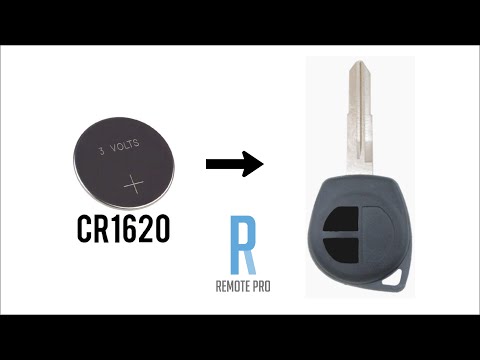
Today we are going to replace the remote control battery of a Suzuki Vitara. The operation we are going to carry out is quite simple, first of all we…
Other guides you may be interested in
|
How to Replace the Spark Plugs on a Saab 9-3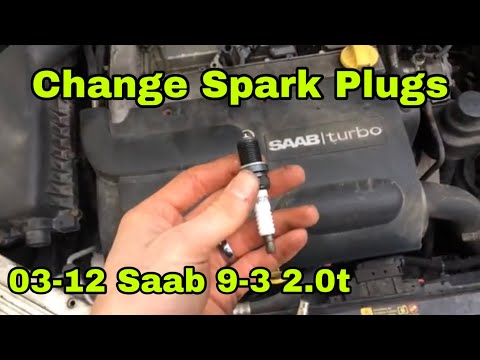
Release the bonnet from the appropriate lever and lift it. Now you will need access to the area beneath the upper engine cover, so remove it by unscrewing the bolt that secures it. After removing it, you will have access to the coils where the spark plug is located for each coil. Unscrew the bolts that secure each individual coil and extract it; this will allow you to remove the spark plug from the tip of the coil. Now, all you need to do is position the new spark plugs and retrace your steps to reassemble the various components. by ScegliAuto More videos
|
|
For advertising on this site Write to info@scegliauto.com
ScegliAuto is not responsible for any inaccuracy of the data in the lists. To report any inaccuracy or your business (if you own the business in question), please write to info@scegliauto.com
Number of seconds to generate the page: 0.112
(c) ScegliAuto 2026 - info@scegliauto.com - Privacy policy VAT number: IT01247470535 |
