
|
Do it yourself
| |||
| ||||


How to Install the Sat Nav in the Alfa Romeo 147
Model: Alfa Romeo 147
MK 1
- Years:
2000, 2001, 2002, 2003, 2004, 2005, 2006, 2007, 2008, 2009, 2010
Video tutorial
Finding a sat nav for the Alfa Romeo 147 is extremely simple and economical, as this model of sat nav is installed in many models from the brand; first, ensure you obtain the unlock code for the sat nav and the corresponding support frame. Once you have removed the original stereo and the compartment beneath, cut and remove the plastic strip in the centre to insert the frame, which will be secured with four screws along the outer edge and three inside. Then, insert the sat nav by connecting the relevant plugs before securing it in place.
Updated on 24 February 2026 by ScegliAuto
Related tutorials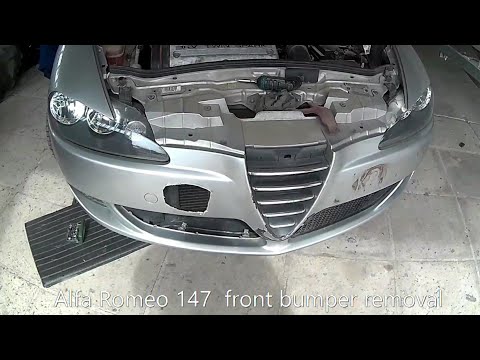
Alfa Romeo 147
(2000-2010 /
MK 1)
Before starting, open the bonnet of your Alfa Romeo 147. Begin by unscrewing and removing all screws and bolts that secure the front bumper to the ch…

Alfa Romeo 147
(2000-2010 /
MK 1)
This video shows how to replace the handbrake lever button. The car used for this clip is an Alfa Romeo 147, but the same procedure applies to the Al…
Alfa Romeo 147
(2000-2010 /
MK 1)
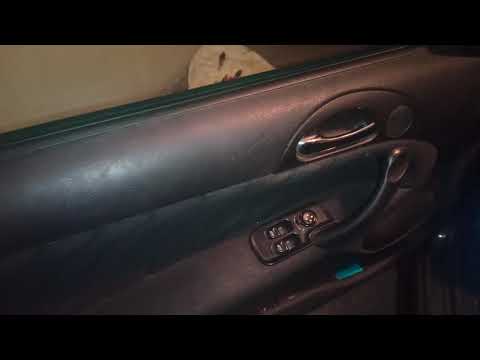
If you cannot find the location of the fuse box in your Alfa Romeo 147, simply follow this mini guide. First, enter the car (driver's side) and reach…
Other guides you may be interested in |
How to reset the tyre pressure warning light on the Kia Niro EV?
To reset the tyre pressure warning light on the Kia Niro EV, inflate the tyres until they reach the correct pressure value. This value is indicated on the sticker attached to the driver's door pillar. Once the tyres are inflated, turn on the instrument cluster to check that the warning light has completely disappeared from the display. If it is still present, you may need to drive for a few miles to ensure it disappears completely from the screen. by ScegliAuto More videos
|
|
For advertising on this site Write to info@scegliauto.com
ScegliAuto is not responsible for any inaccuracy of the data in the lists. To report any inaccuracy or your business (if you own the business in question), please write to info@scegliauto.com
Number of seconds to generate the page: 0.009
(c) ScegliAuto 2026 - info@scegliauto.com - Privacy policy VAT number: IT01247470535 |
