
|
Do it yourself
| |||
| ||||


How to Replace the Rear Brake Shoes on a Sym Mio
Model: Sym Mio
Video tutorial
To replace the rear brake shoes on a Sym Mio, loosen the nut securing the rear wheel spindle, along with the bolts securing the wheel arch. Once the wheel is removed, you will have access to the brake shoes, which can then be extracted from their housing and replaced with new spare parts. After replacing the shoes, reposition the wheel and its spindle, and tighten the nut to secure it. Once the wheel is installed, also tighten the previously loosened wheel arch bolts.
Updated on 25 April 2026 by ScegliAuto
Related tutorials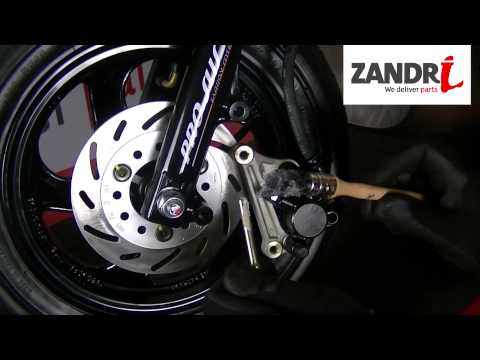
Mio
To replace the front brake pads on the Sym Mio, loosen the bolts securing the brake caliper to the brake disc. Once the bolts are loosened and the pi…

Mio
This video shows how to remove and replace the rear suspension on a Sym Mio scooter. First, remove the plastic engine cover and then take off the sco…
Mio
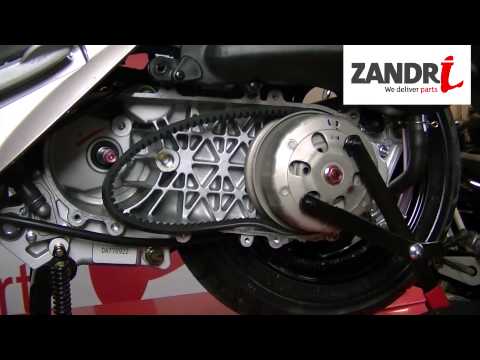
To replace the belt on the Sym Mio, you need to loosen the screws that secure the cover of the casing near the rear wheel, beneath which the transmis…
|
How to Adjust the Clock on a Harley Davidson Motorcycle
In this video, you can see how to adjust the clock on a Harley Davidson motorcycle: first, turn on the ignition, then use the button located on the left handlebar. The display will show three lights: the ABS, the engine warning light, and the oil light, which will turn off in a few seconds. Pressing the button on the left handlebar will scroll through various information until you reach the time; if you need to adjust it by one hour due to the change from standard to daylight saving time or vice versa, hold down the button and you will be given an option to set the time in either 12 or 24-hour format; press again and adjust the hour if necessary, then it will move to the minutes: confirm by pressing again and you’re done. by ScegliAuto More videos
|
|
For advertising on this site Write to info@scegliauto.com
ScegliAuto is not responsible for any inaccuracy of the data in the lists. To report any inaccuracy or your business (if you own the business in question), please write to info@scegliauto.com
Number of seconds to generate the page: 0.014
(c) ScegliAuto 2026 - info@scegliauto.com - Privacy policy VAT number: IT01247470535 |
