
|
Do it yourself
| |||
| ||||


How to Replace the Belt on a Sym MaxSym 400?
Model: Sym Maxsym 400
Video tutorial
To replace the belt on a Sym MaxSym 400, loosen the bolts securing the transmission cover located near the rear wheel on the left side of the scooter. Once these bolts are loosened, you can remove the cover to access the central nuts of the variator and clutch: this will allow you to extract them along with the belt. After removing the old belt, insert the new one and reattach the previously removed components.
Updated on 15 June 2026 by ScegliAuto
Related tutorials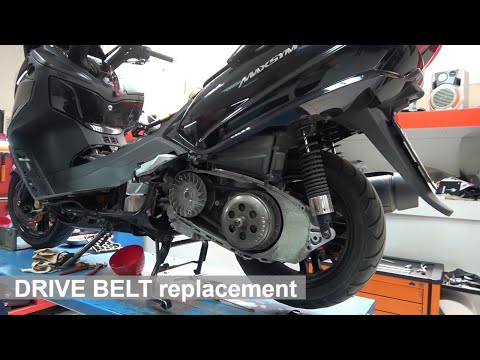
Maxsym 400
In today's video tutorial, you will see how to remove the timing belt from a Sym Maxsym 400cc. First, remove the cover from the casing by unscrewing …
Maxsym 400
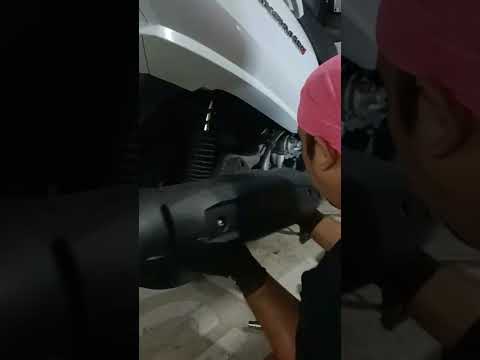
To replace the rear wheel of the Sym MaxSym 400, first loosen the bolts securing the exhaust to its housing so that it can be completely removed from…
Maxsym 400
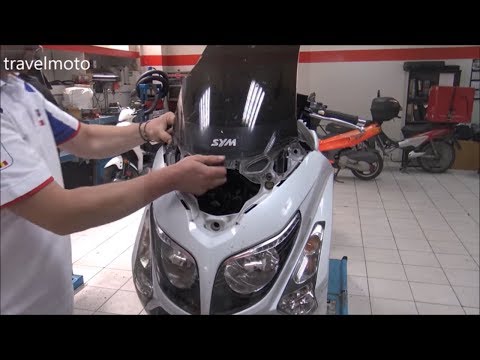
Before you can start, position your Sym MaxSym 400 on the centre stand. Begin by removing the rear-view mirrors by unscrewing the securing screws. Ne…
|
How to Remove the Rear Wheel of the Honda SH 150i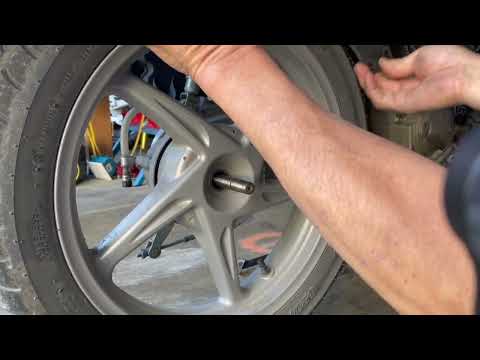
Below are the instructions that will allow you to remove and replace the rear wheel or tyre of the Honda SH 150i scooter. First, place your scooter on the centre stand and begin by removing the exhaust silencer, unscrewing the fastening screws; then remove it from the collector. At this point, unscrew the central nut of the wheel using a socket spanner with an extension; then remove the wheel from the axle, replacing the tyre if necessary. Finally, refit the rear wheel by applying the reverse procedure! by ScegliAuto More videos
|
|
For advertising on this site Write to info@scegliauto.com
ScegliAuto is not responsible for any inaccuracy of the data in the lists. To report any inaccuracy or your business (if you own the business in question), please write to info@scegliauto.com
Number of seconds to generate the page: 0.005
(c) ScegliAuto 2026 - info@scegliauto.com - Privacy policy VAT number: IT01247470535 |
