
|
Do it yourself
| |||
| ||||


How to Replace the Ignition Switch on the Sym Fiddle?
Model: Sym Fiddle
Video tutorial
To replace the ignition switch on the Sym Fiddle, loosen the screws securing the front fairing, located at the sides of the handlebars. Once these are removed, unscrew the additional screws found at the front centre of the scooter to completely remove the front fairing and access the underlying components. At this point, disconnect the connectors and cables attached to the ignition switch so that it can be released. After removal, insert a new replacement part and reassemble all previously disassembled components.
Updated on 17 June 2026 by ScegliAuto
Related tutorials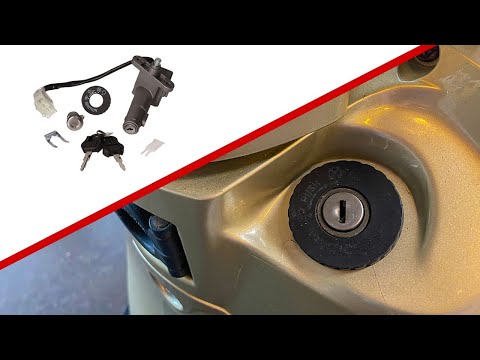
Fiddle
To replace the ignition switch of the Sym Fiddle, you need to unscrew the screws that secure the front fairing, located just below the handlebars. On…
Fiddle
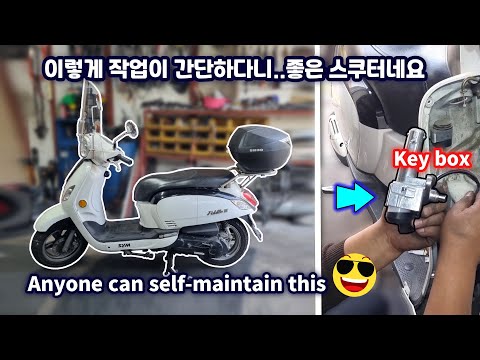
To replace the ignition switch on the Sym Fiddle, unscrew the screws securing the front fairing of the scooter, located just below the handlebars. On…
Fiddle
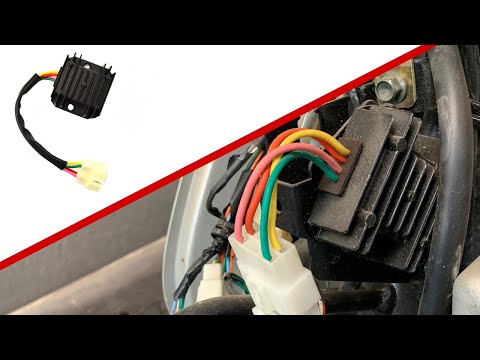
This guide provides instructions for removing and replacing the voltage regulator on a Sym Fiddle 3 scooter by following these simple steps. First, p…
|
How to Replace the Stator of a Honda CBR 600RR?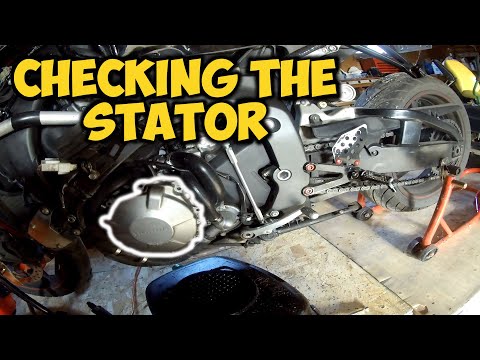
To replace the stator of a Honda CBR 600RR, loosen all the screws securing the cover located on the left side of the bike, near the kickstarter. Once all screws securing the casing are loosened, it can be removed to reveal the underlying stator. Disconnect the connector attached to the back of the stator to remove it from its housing. Next, insert a new stator into its seat after connecting it to the connector; finally, replace the casing, securing it with the appropriate screws. by ScegliAuto More videos
|
|
For advertising on this site Write to info@scegliauto.com
ScegliAuto is not responsible for any inaccuracy of the data in the lists. To report any inaccuracy or your business (if you own the business in question), please write to info@scegliauto.com
Number of seconds to generate the page: 0.005
(c) ScegliAuto 2026 - info@scegliauto.com - Privacy policy VAT number: IT01247470535 |
