
|
Do it yourself
| |||
| ||||


How to Reset the Oil Check Light on the Sym CruiSym 300?
Model: Sym Cruisym 300
Video tutorial
To reset the Oil Check light on the Sym CruiSym 300, simply turn on the ignition by inserting the key into the ignition switch and turning it clockwise: once the dashboard is lit up, press and hold the button located on its right side for a few seconds. After holding the button for a few seconds, you will notice that the Oil Check light will completely disappear from the dashboard: you can now turn off the ignition to complete the operation by turning the key counterclockwise.
Updated on 28 August 2026 by ScegliAuto
Related tutorials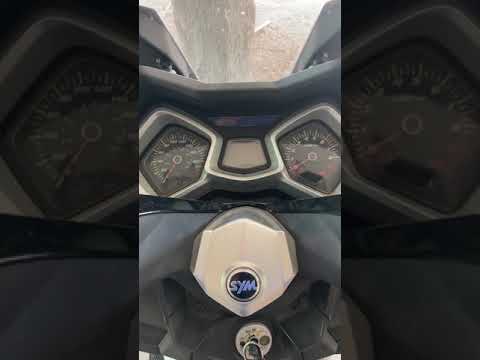
Cruisym 300
To reset the Oil Check light on the Sym Cruisym 250, insert the key into the ignition switch and turn it to power on the instrument panel. The Oil Ch…
Cruisym 300
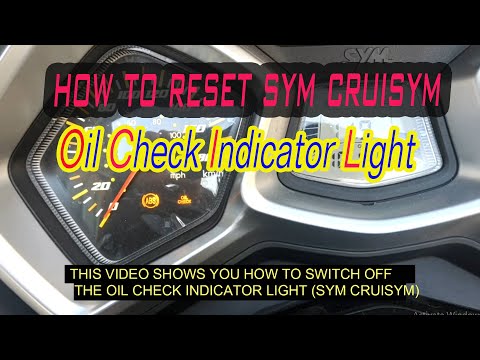
Before you start, sit on the seat of your Sym CruiSym. Begin by turning on the ignition by turning the key in the ignition switch. Then, repeatedly p…

Cruisym 300
The Sym Cruisym 300 scooter is on par with all other scooters and cars, that is, when the service is due, the warning light in the shape of an Englis…
|
How to Change the Engine Oil in a Suzuki DR 350?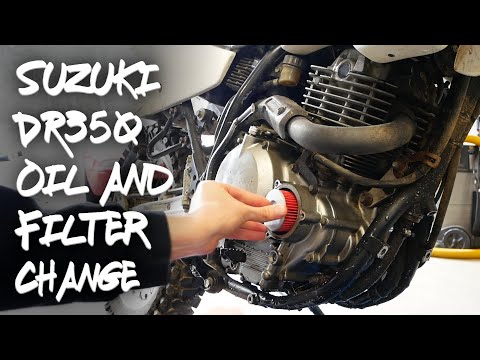
In this tutorial, you will see how to change the engine oil in a Suzuki DR 350, a very simple and quick operation. First, wait until the engine is cold enough, then remove the protective frame located at the bottom. Next, position a container underneath the bike, disconnect the indicated hose, and let all the oil in the system drain out. Then, open the filter housing by unscrewing the three bolts with an 8mm spanner, remove the old filter, and insert the replacement. At this point, you can reassemble everything and pour in the new oil through the designated hole. by ScegliAuto More videos
|
For advertising on this site Write to info@scegliauto.com
ScegliAuto is not responsible for any inaccuracy of the data in the lists. To report any inaccuracy or your business (if you own the business in question), please write to info@scegliauto.com
Number of seconds to generate the page: 0.007
(c) ScegliAuto 2026 - info@scegliauto.com - Privacy policy VAT number: IT01247470535 |
