
|
Do it yourself
| |||
| ||||


How to Reset the Oil Check Light on the Sym Jet14?
Model: Sym Jet14 125
Video tutorial
To reset the Oil Check light on the Sym Jet14, turn on the ignition by inserting the key into the ignition switch. Once the dashboard is lit, press and hold the button located under the fuel gauge, marked with the letter S. Keep it pressed for a few seconds until the Oil Check light resets completely. Before performing this reset procedure, it is advisable to change the oil by adding the necessary amount of fluid to the system.
Updated on 14 September 2026 by ScegliAuto
Related tutorials
Jet14 125
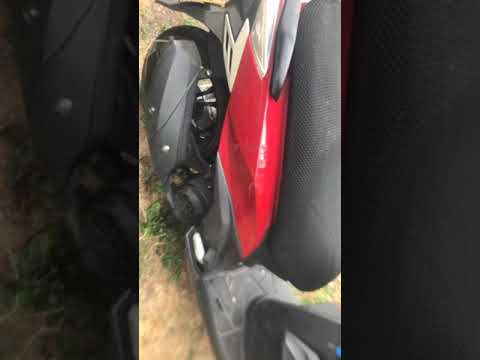
In order to replace the ignition switch of the Sym Jet14 125, you will need to loosen the fixing screws of the panel covering the switch itself: the …
Jet14 125
Change the engine oil of the Sym Jet14 125 scooter, performing the routine maintenance service. First, place your scooter on the centre stand and beg…

Jet14 125
In this brief and simple guide, you will learn how to perform the routine maintenance service by replacing the engine oil and oil filter of the Sym J…
|
How to replace the piston on a Derbi Senda 125?
To replace the piston on a Derbi Senda 125, completely remove the seat and take off all parts above the engine block. Next, disconnect the connectors and unscrew the bolts securing the cylinder to the top of the block, locating the piston inside. Remove the old piston from its connecting rod by loosening the retaining ring, and replace it with a new spare part. Finally, reassemble all the components that were removed earlier. by ScegliAuto More videos
|
For advertising on this site Write to info@scegliauto.com
ScegliAuto is not responsible for any inaccuracy of the data in the lists. To report any inaccuracy or your business (if you own the business in question), please write to info@scegliauto.com
Number of seconds to generate the page: 0.008
(c) ScegliAuto 2026 - info@scegliauto.com - Privacy policy VAT number: IT01247470535 |
