
|
Do it yourself
| |||
| ||||


How to Install the Android Multimedia System on the Tata Hexa
Model: Tata Hexa
MK 1
- Years 2016-2020
Today, follow these main instructions to remove and replace the factory radio with an Android unit in the Tata Hexa. First, get inside the vehicle and start by removing the plastic trim on the sides; then, unscrew the mounting screws located underneath, disconnecting the radio's electrical connectors to remove it, as shown in the video. At this point, install the new Android radio, making any necessary wiring modifications; then reassemble everything by reversing the disassembly procedure!
Updated on 4 June 2026 by ScegliAuto
Video tutorial
Related tutorials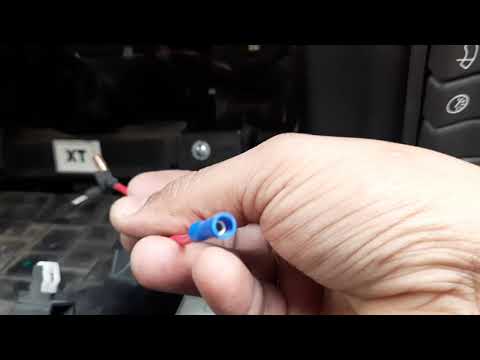
Tata Hexa
(2016-2020 /
MK 1)
As shown in the video, installing a dash cam in the Tata Hexa is quite simple. You need a basic understanding of electronics to install it. Start at …

Tata Hexa
(2016-2020 /
MK 1)
In this brief and simple guide, let's go through the steps to remove and replace the tire with the spare on the Tata Hexa. First, gather the necessar…
Tata Hexa
(2016-2020 /
MK 1)
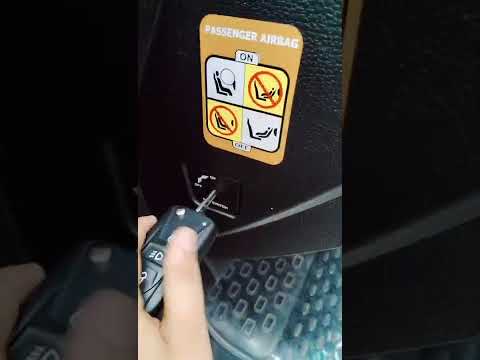
In this tutorial, you will see how to disable the passenger airbag in the Tata Hexa, a very simple operation to perform whenever you position a rear-…
Other guides you may be interested in
|
How to reset the tyre pressure warning light on the Suzuki Jimny?
To reset the tyre pressure warning light on the Suzuki Jimny, first inflate the tyres to the pressure value indicated on the corresponding sticker: this is located at the bottom of the driver's door pillar. Once the tyres are inflated, insert the ignition key and turn on the instrument panel: select the screen that indicates the tyre pressures, checking that the values change. After a few seconds, the tyre pressure warning light will automatically turn off. by ScegliAuto More videos
|
|
For advertising on this site Write to info@scegliauto.com
ScegliAuto is not responsible for any inaccuracy of the data in the lists. To report any inaccuracy or your business (if you own the business in question), please write to info@scegliauto.com
Number of seconds to generate the page: 0.525
(c) ScegliAuto 2026 - info@scegliauto.com - Privacy policy VAT number: IT01247470535 |
