
|
Do it yourself
| |||
| ||||


How to reset the service light on Tata Nexon.
Model: Tata Nexon
MK 1
- Years 2017-2024
If you own a Tata Nexon and want to find out how to manually reset the service light that appears on the dashboard even after having your car serviced, then you just need to follow these steps. First, insert the key and start the engine. Then, press the button located on the right side of the dashboard several times until the word "ODO" appears on the display. Next, press and hold the button on the left side of the dashboard for several seconds and release it when the display starts flashing. Finally, hold the button down again until the reset is complete.
Posted on 8 June 2023 by ScegliAuto
Video tutorial
Related tutorials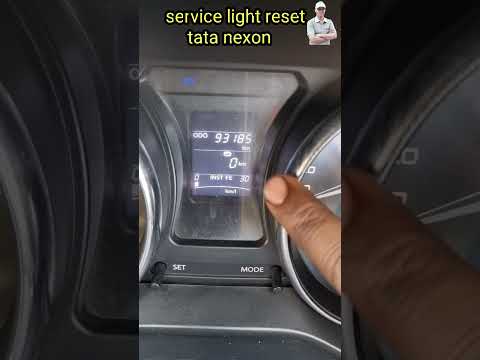
Tata Nexon
(2017-2024 /
MK 1)
In order to reset the Service light of the Tata Nexon, you need to insert the ignition key into the ignition switch. Once the dashboard is turned on,…

Tata Nexon
(2017-2024 /
MK 1)
The information provided in this guide will explain how to reset the maintenance service light for the regular oil change of the Tata Nexon engine. F…
Tata Nexon
(2017-2024 /
MK 1)
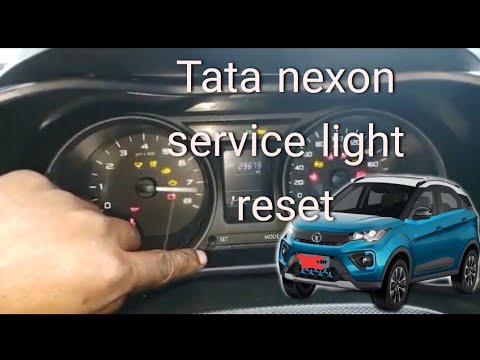
In this tutorial, we can see how to reset the service in the Tata Nexon, an extremely simple and fast operation. Before doing so, make sure you have …
Other guides you may be interested in
|
How to Remove the Steering Wheel Airbag on a Dodge Journey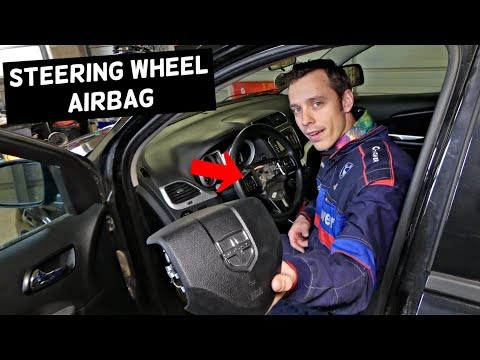
How to remove the steering wheel airbag on a Dodge Journey? Follow these steps. Before removing the steering wheel, disconnect the battery terminals located in the engine bay. Remove the inspection caps from the back of the steering wheel, then unscrew the airbag retaining bolts with a socket wrench. Once the driver’s airbag is released, disconnect the power connectors and remove the airbag from the steering wheel. For reinstallation: connect the power connectors, then press the airbag back onto the steering wheel while simultaneously tightening the rear bolts. by ScegliAuto More videos
|

|
For advertising on this site Write to info@scegliauto.com
ScegliAuto is not responsible for any inaccuracy of the data in the lists. To report any inaccuracy or your business (if you own the business in question), please write to info@scegliauto.com
Number of seconds to generate the page: 0.131
(c) ScegliAuto 2026 - info@scegliauto.com - Privacy policy VAT number: IT01247470535 |
