
|
Do it yourself
| |||
| ||||


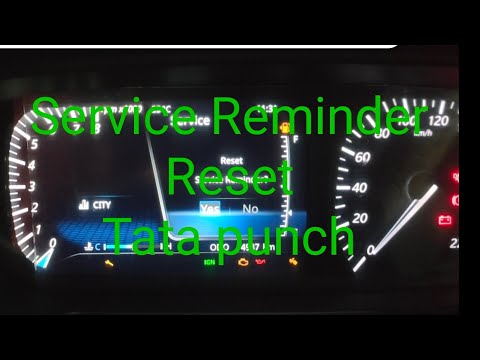
To reset the service light of the Tata Punch.
Model: Tata Tata Various
In the following mini guide dedicated to your Tata Punch, we will discover how to perform the manual reset of the service light on the instrument panel in a few simple steps. First, enter the vehicle cabin and make sure the instrument panel is turned on. Then, locate the button below the tachometer and hold it down until the display starts flashing. At this point, release the button and immediately hold it down again until the display stops flashing. The reset of the service light is now successfully completed.
Posted on 14 September 2023 by ScegliAuto
Video tutorial
Related tutorials
Tata Tata Various
When the tire pressure warning light appears on the display of your Tata Punch instrument panel even in the absence of a puncture, you must proceed w…
Tata Tata Various
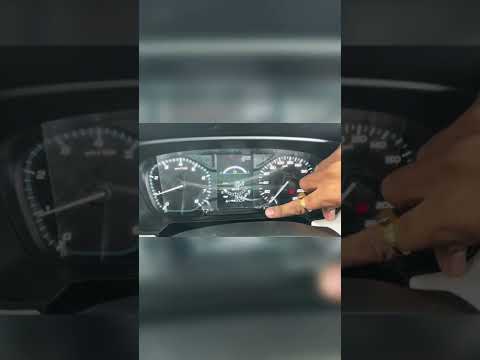
To reset the service light of the Tata Punch, we first need to turn on the car's instrument panel and then press the OK button on the right side of t…
Tata Tata Various
To reset the partial mileage counter of the Tata Punch, you need to turn on the instrument panel by inserting the ignition key into the corresponding…
Other guides you may be interested in |
Reset the Service Light on Fiat Bravo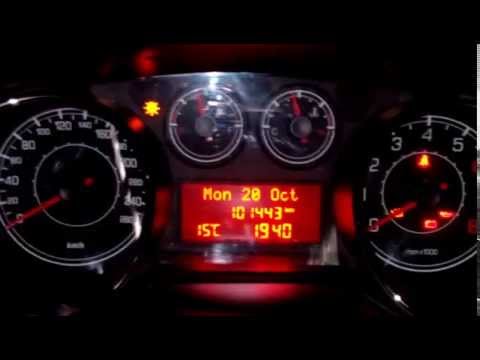
Has the service light appeared on the instrument cluster of your Fiat Bravo? Let's reset it. Turn on the ignition, press the "Set" button located on the central dashboard, then, once in the settings menu, scroll using the up/down buttons until you find the "Reset Maintenance" option. Select it with the set button to turn off the tyre pressure warning light and exit the settings menu. Check the instrument cluster by turning it off and on again with the ignition key. Retry the reset if the issue persists. by ScegliAuto More videos
|
|
For advertising on this site Write to info@scegliauto.com
ScegliAuto is not responsible for any inaccuracy of the data in the lists. To report any inaccuracy or your business (if you own the business in question), please write to info@scegliauto.com
Number of seconds to generate the page: 0.054
(c) ScegliAuto 2026 - info@scegliauto.com - Privacy policy VAT number: IT01247470535 |
