
|
Do it yourself
| |||
| ||||


|
Model: Tm Racing En 250
To adjust the tension of the clutch and brake cables on the TM Racing EN 250, first locate the cables on the left side of the bike, near the cylinder. Once the cables are identified, tighten the bolts to increase the tension, or loosen them to reduce the tension. Increasing the tension will make the levers feel stiffer, while reducing it will make them feel softer. After adjusting the tension to your preference, check that the levers operate correctly.
Updated on 8 June 2026 by ScegliAuto
Video tutorial
Related tutorials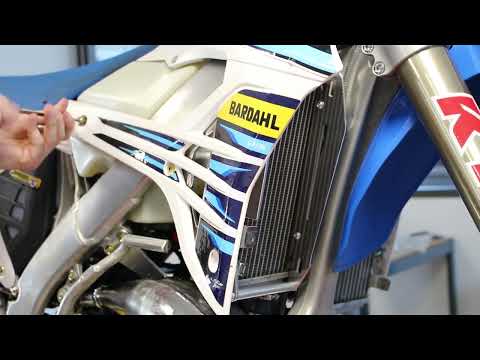
En 250
To install the radiator guard on a TM Racing EN 250, loosen the bolts securing the side panels of the bike, which will need to be removed. This will …
En 250
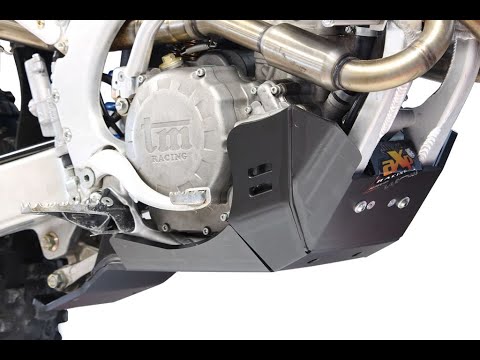
To install the engine guard plate on the TM Racing EN 250, insert the two supports into the inner part of the plate and secure them with the correspo…
En 250
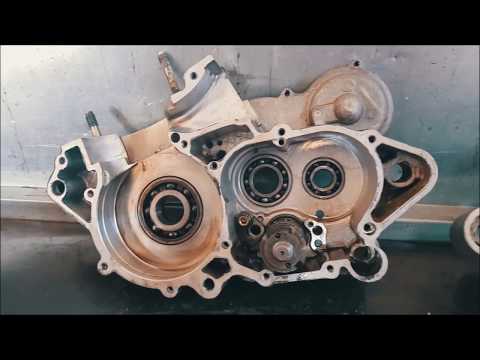
To replace the piston on the TM Racing EN 250, loosen the screws securing the cylinder cover at the top. Once the screws are removed, you can open th…
|
How to reset the oil light on the Honda SH 125
If the oil light appears on your Honda SH 125 dashboard despite having recently changed the oil, don't worry as you can resolve this minor issue with a simple manual reset procedure. First, turn on the ignition and hold down the "Info A" and "Info B" buttons located at the bottom of the left knob. At this point, press the "Info B" button multiple times until the oil change indicator starts to flash. Finally, press the "Info A" button once to perform the reset. The procedure is now complete. by ScegliAuto More videos
|
|
For advertising on this site Write to info@scegliauto.com
ScegliAuto is not responsible for any inaccuracy of the data in the lists. To report any inaccuracy or your business (if you own the business in question), please write to info@scegliauto.com
Number of seconds to generate the page: 0.006
(c) ScegliAuto 2026 - info@scegliauto.com - Privacy policy VAT number: IT01247470535 |
