
|
Do it yourself
| |||
| ||||


Where is the Reset Button for the Tyre Warning Light on a Toyota Senna?
Model: Toyota Toyota Various
Video tutorial
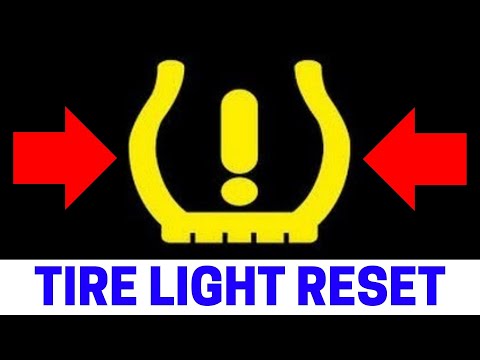
When the tyre warning light on the Toyota Senna instrument panel activates, it indicates a problem with the tyres or the electronic sensors monitoring their inflation pressure. Until this issue is resolved and the pressure is at the level specified by the manufacturer, the warning will remain active. Therefore, take action to resolve it by turning on the instrument panel, holding down the Reset button located to the left of the steering wheel on the dashboard, and waiting a few seconds for the light to turn off.
Posted on 30 March 2026 by ScegliAuto
Related tutorials
Toyota Toyota Various
To reset the tire pressure light on a Toyota Solara, start by turning on the instrument panel without starting the engine. Locate the reset button, w…
Toyota Toyota Various
To reset the tyre pressure light on a Toyota, first inflate the tyres to the correct pressure value, which is indicated on the sticker affixed to the…

Toyota Toyota Various
Today we will explain how to reset the tire pressure warning light on a 2006 Toyota Matrix. Before resetting the light, we need to get out of the veh…
Other guides you may be interested in
|
How to Activate the Disabled TRC on the Toyota Yaris?
As the video clearly shows, disabling or activating the traction control (TRC or ESP) on the Toyota Yaris is very simple. By default, the traction system activates every time the vehicle is started. To disable it, simply press the button depicting a skidding car located in the centre of the vehicle where the controls are, such as the hazard lights and the radio, but near the handbrake. Once disabled, the TRC off light will illuminate on the dashboard. To reactivate it, just press the same button again. by ScegliAuto More videos
|
|
For advertising on this site Write to info@scegliauto.com
ScegliAuto is not responsible for any inaccuracy of the data in the lists. To report any inaccuracy or your business (if you own the business in question), please write to info@scegliauto.com
Number of seconds to generate the page: 0.024
(c) ScegliAuto 2026 - info@scegliauto.com - Privacy policy VAT number: IT01247470535 |
