
|
Do it yourself
| |||
| ||||


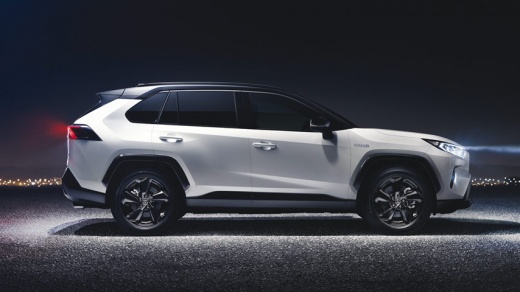
How to Disable the Speed Alert on a Toyota RAV 4
Model: Toyota Rav 4
Xa50, MK 5
- Years 2019-2026
Video tutorial
Detailed instructions - In this brief guide, you will find instructions to disable the speed alert on the Toyota RAV 4. First, get in the vehicle and turn on the instrument panel; then go to the vehicle settings from the central display and select the driver assistance information option, as shown in the video. At this point, disable the speed alert option, thus turning off the function and the alert that appears on the instrument panel display; you can reactivate the function at any time.
Posted on 1 October 2026 by ScegliAuto
Related tutorials
Toyota Rav 4
(2019-2026 /
Xa50, MK 5)
Today's video will show us the instructions that will allow us to set the cruise control on the Toyota RAV 4, in simple steps. In order to activate t…

Toyota Rav 4
(2019-2026 /
Xa50, MK 5)
Below we will see the instructions that will allow us to set the cruise control of the Toyota RAV 4. First of all, let's locate the cruise control ad…

Toyota Rav 4
(2019-2026 /
Xa50, MK 5)
In this guide, we will see the instructions that will allow us to activate the cruise control system on the Toyota RAV 4. To activate the cruise cont…
Other guides you may be interested in |
How to Replace the Cabin Fan of a Citroen C3
Today, we will look at the instructions that will allow you to remove and replace the cabin fan of a Citroen C3 in simple steps. First, get inside the cabin and start by removing the lower part of the dashboard to access the cabin fan; then unscrew the fixing screws of the fan and disconnect its electrical connector to remove it, as shown in the video. At this point, install the new original cabin fan, checking its operation at various speeds, following the video tutorial to the end! by ScegliAuto More videos
|
|
For advertising on this site Write to info@scegliauto.com
ScegliAuto is not responsible for any inaccuracy of the data in the lists. To report any inaccuracy or your business (if you own the business in question), please write to info@scegliauto.com
Number of seconds to generate the page: 0.173
(c) ScegliAuto 2026 - info@scegliauto.com - Privacy policy VAT number: IT01247470535 |
