
|
Do it yourself
| |||
| ||||


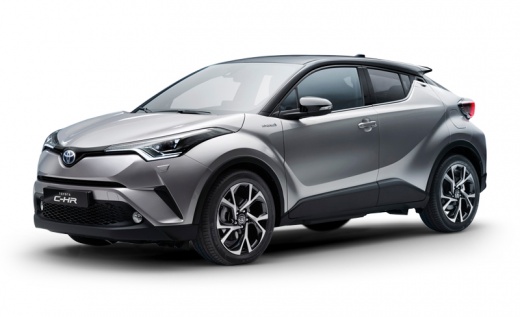
How to Reset the Service Light on a Toyota C-HR?
Model: Toyota C Hr
Ax10, MK 1, Ax50
- Years:
2016, 2017, 2018, 2019, 2020, 2021, 2022, 2023
Video tutorial
By turning on the ignition and pressing the TRIP button located on the right side of the steering wheel, you can begin resetting the Service light on a Toyota C-HR. This will display "Trip A" on the instrument cluster, and you can now deactivate the instrument cluster. Next, hold down the TRIP button while turning on the ignition by turning the key. Wait until the Service light automatically turns off; once the light has disappeared from the instrument cluster, you can turn it off by removing the key.
Posted on 2 November 2026 by ScegliAuto
Related tutorials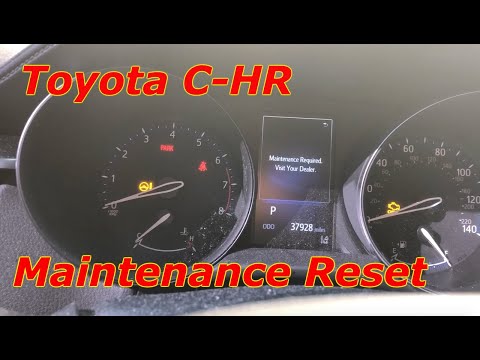
Toyota C Hr
(2016-2023 /
Ax10, MK 1, Ax50)
To reset the Service light on the Toyota C-HR, turn on the instrument cluster and press the TRIP button located on the right spoke of the steering wh…

Toyota C Hr
(2016-2023 /
Ax10, MK 1, Ax50)
On the instrument panel of the Toyota C-HR, the Service light can be reset by turning on the instrument panel and pressing the TRIP button located on…
Toyota C Hr
(2016-2023 /
Ax10, MK 1, Ax50)
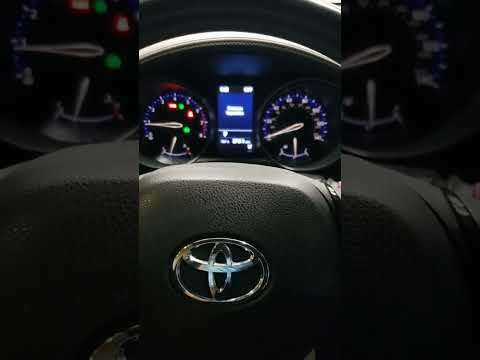
To reset the Service light on a Toyota C-HR, turn on the instrument cluster and press the TRIP button located on the right side of the steering wheel…
Other guides you may be interested in
|
How to reset the service light on the Kawasaki Versys 1000
Resetting the service light on the Kawasaki Versys 1000 is a straightforward operation that can be done independently, aided by our brief video tutorial. Start the reset procedure by turning on the instrument cluster, then simultaneously press the right and left buttons on the left lever. Once in the menu, select the service option and wait for the reset to load; once completed, press the two buttons again to return to the main menu and restart the instrument cluster to complete the reset of the service light. by ScegliAuto More videos
|
|
For advertising on this site Write to info@scegliauto.com
ScegliAuto is not responsible for any inaccuracy of the data in the lists. To report any inaccuracy or your business (if you own the business in question), please write to info@scegliauto.com
Number of seconds to generate the page: 0.198
(c) ScegliAuto 2026 - info@scegliauto.com - Privacy policy VAT number: IT01247470535 |
