
|
Do it yourself
| |||
| ||||


How to Reset the Maintenance Light on a Toyota Camry
Model: Toyota Camry
Xv50
- Years:
2011, 2012, 2013, 2014, 2015, 2016, 2017, 2018, 2019
Video tutorial
In this video tutorial, you can see how to reset the maintenance light on a Toyota Camry. The first step is to perform maintenance on the car, such as changing the engine oil and filters; after completing the DIY service, get in the vehicle, close all doors, engage the parking brake, insert the key, and turn on the ignition without starting the engine. Press the button located under the speedometer on the right until "TRIP A" appears on the display. Now, continue to hold the same button, and you will see the display turn off. Press the ignition button twice, and the display will show "RESETTING MAINTENANCE DATA". Keep holding the button until the display flashes, and then all zeros will appear. Now turn off and restart the car to verify the reset was successful. Reset completed.
Updated on 25 May 2026 by ScegliAuto
Related tutorials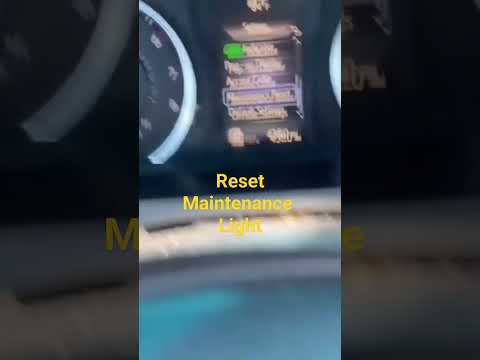
Toyota Camry
(2011-2019 /
Xv50)
Manually resetting the maintenance light on your 2016 Toyota Camry is very simple, and with the following guide, you will complete the operation with…
Toyota Camry
(2006-2013 /
Xv40)
The procedure to manually reset the maintenance light on the instrument panel of your Toyota Camry is the same as that used in many other Toyota mode…
Toyota Camry
(2018-2024 /
Xv70)
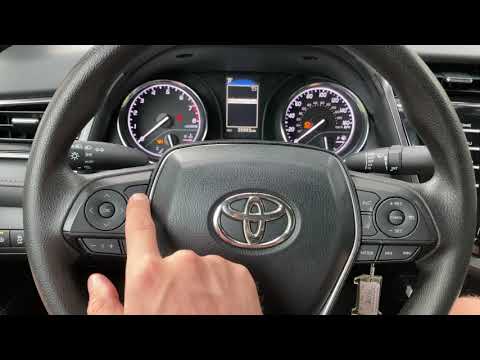
To reset the Service light on a Toyota Camry, turn on the ignition to access the menu that will appear on the display. Use the buttons on the left si…
Other guides you may be interested in
|
How to Reset the Tyre Pressure Light on a Cupra Formentor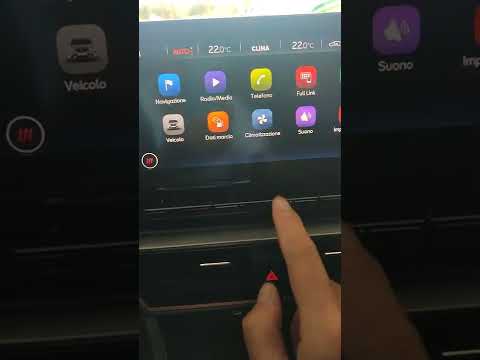
In this brief and simple video tutorial, learn how to reset the tyre pressure on a Cupra Formentor. Start by pressing the ignition button to turn on the instrument cluster. Now, use the touchscreen display on the central console to open the car menu. From here, select the driving data option, then the tyre pressure option. Now, click on the "SET" button with the pressure warning symbol and confirm the correct tyre pressure required by the manufacturer to perform the reset. by ScegliAuto More videos
|
|
For advertising on this site Write to info@scegliauto.com
ScegliAuto is not responsible for any inaccuracy of the data in the lists. To report any inaccuracy or your business (if you own the business in question), please write to info@scegliauto.com
Number of seconds to generate the page: 0.127
(c) ScegliAuto 2026 - info@scegliauto.com - Privacy policy VAT number: IT01247470535 |
