
|
Do it yourself
| |||
| ||||


How to Reset the Factory Settings on the Toyota CH-R - RAV4
Model: Toyota C Hr
Ax50, MK 1, Ax10
- Years 2016-2023
In this short and simple guide, we will see how to reset or restore the factory settings on the Toyota CH-R and RAV4. First, get in the vehicle and turn on the ignition. Navigate to the central display and go to the multimedia system settings and general settings by clicking on the appropriate option, as shown in the video. Now click on the factory reset option to reset the multimedia system; then configure the radio stations and all applications!
Updated on 27 June 2026 by ScegliAuto
Video tutorial
Related tutorials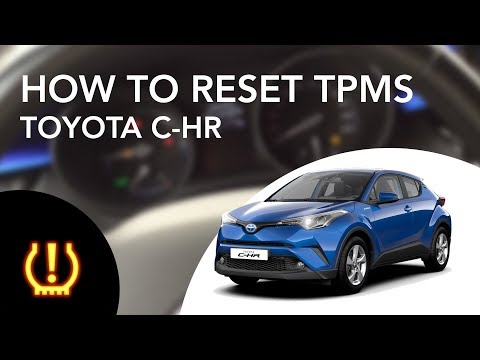
Toyota C Hr
(2016-2023 /
Ax50, MK 1, Ax10)
This procedure is valid not only for the Toyota C-HR but also for other Toyota models such as the Corolla and Avensis. Start the car and, if you have…

Toyota C Hr
(2016-2023 /
Ax50, MK 1, Ax10)
Resetting the tyre warning light in a Toyota C-HR, as shown in this tutorial, is an extremely simple and quick operation. Before proceeding, ensure t…
Toyota C Hr
(2016-2023 /
Ax50, MK 1, Ax10)
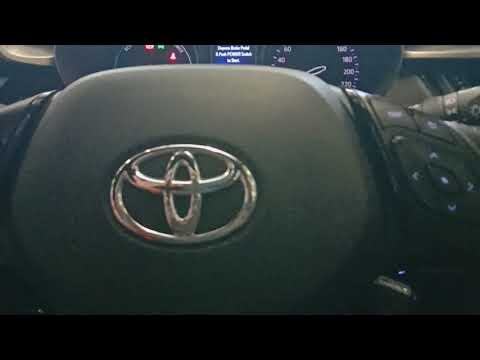
In this tutorial, you will learn how to reset the tyre warning light on a Toyota C-HR, a very simple and quick operation. Before proceeding, ensure t…
Other guides you may be interested in
|
Where is the Spare Wheel in the Peugeot 5008?
This video shows where the spare wheel is located in the Peugeot 5008 and how to access it, useful in case of a puncture. As shown, the wheel is not in the usual boot compartment but underneath it, outside the vehicle. To free the wheel, first gather the tools provided, then open the boot, locate the small indicated hatch, and open it. Next, loosen the bolt just released using the large socket wrench enough to lower the wheel to the ground. by ScegliAuto More videos
|
|
For advertising on this site Write to info@scegliauto.com
ScegliAuto is not responsible for any inaccuracy of the data in the lists. To report any inaccuracy or your business (if you own the business in question), please write to info@scegliauto.com
Number of seconds to generate the page: 0.303
(c) ScegliAuto 2026 - info@scegliauto.com - Privacy policy VAT number: IT01247470535 |
