
|
Do it yourself
| |||
| ||||


How to Replace the Clutch on a Triumph Bonneville?
Model: Triumph Bonneville
Video tutorial
To replace the clutch on a Triumph Bonneville, loosen the screws securing the cover on the right side of the bike. Once these screws are loosened, you can completely remove the cover to access the underlying components. The clutch discs can be removed by loosening the screws that hold them in place and sliding them out of their housing. At this point, insert the new discs into their housing and cover everything with the cover to ensure that everything functions correctly.
Updated on 18 August 2026 by ScegliAuto
Related tutorials
Bonneville
To replace the clutch on the Triumph Bonneville, loosen the screws securing the cover on the right side of the bike to free it completely: underneath…
Bonneville
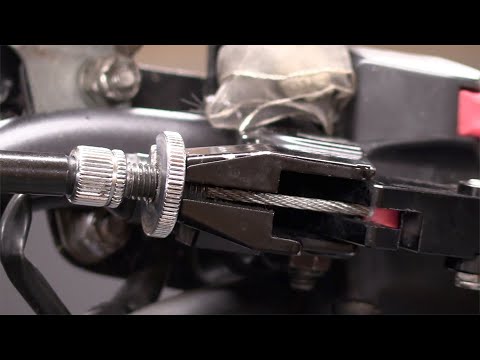
This guide shows how to remove and replace the clutch cable on the Triumph Bonneville, following the instructions below. First, place your motorcycle…

Bonneville
To change the engine oil on a Triumph Bonneville, access the lower part of the motorcycle at the front, where you will find the oil drain plug. Once …
|
How to Reset the Oil Service on the Honda SH Mode 125 Scooter?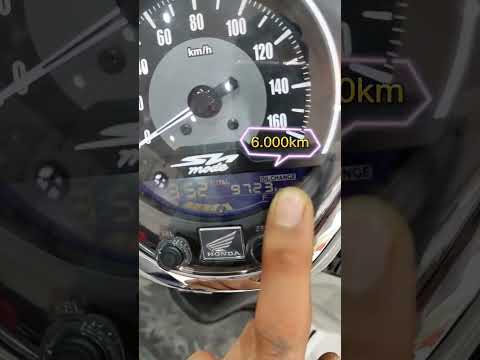
In this tutorial, you will see how to reset the oil service on the Honda SH Mode 125 scooter, a very simple and quick operation. Before proceeding, ensure you have completed all required scheduled maintenance tasks. Start by inserting the key but keep it in the initial position, then press and hold the "SET" button located at the bottom right of the dashboard, and simultaneously turn on the instrument panel. At this point, hold the button for about 3 seconds, or for as long as necessary for the service to reset correctly. by ScegliAuto More videos
|
|
For advertising on this site Write to info@scegliauto.com
ScegliAuto is not responsible for any inaccuracy of the data in the lists. To report any inaccuracy or your business (if you own the business in question), please write to info@scegliauto.com
Number of seconds to generate the page: 0.007
(c) ScegliAuto 2026 - info@scegliauto.com - Privacy policy VAT number: IT01247470535 |
