
|
Do it yourself
| |||
| ||||


How to Remove the Speedometer Cable on Agm Vx50 - BTC Riva - Turbho RL50
Model: (Various brands) Various
Video tutorial
In this video tutorial, you will learn how to remove and replace the speedometer cable on various scooter models, such as the Agm Vx50, BTC Riva, and Turbho RL50. First, remove the front wheel of your scooter by unscrewing the central wheel bolt; then pull out the axle for removal. Once the wheel is removed, take off the conical washer and install the new one; then extract the speedometer cable and replace it with the new one. Finally, mount it correctly and reassemble everything by applying the reverse procedure!
Updated on 20 April 2026 by ScegliAuto
Related tutorials
(Various brands) Various
In this video, learn how to replace the battery of a Start & Stop vehicle. There are two types of Start & Stop batteries: EFB (Enhanced Flood Battery…

(Various brands) Various
In this short video tutorial, you will see how to reset the partial odometer in a car. The operation is very similar for almost all types of cars, so…
(Various brands) Various
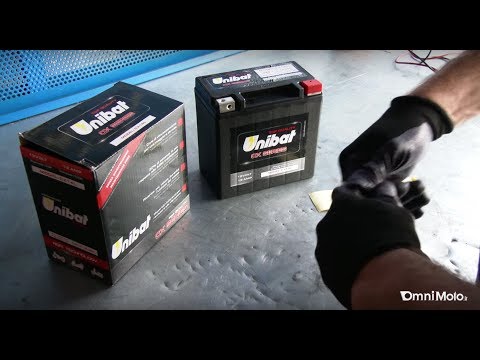
If you have tried to start your motorcycle but it does not respond, the first suspect is the battery, which suffers in low temperatures, especially w…
|
Frequently Asked QuestionsHow to Remove the Engine from the KTM XC-W 300?
To remove the engine from the KTM XC-W 300, loosen the bolts that secure it to its housing in the centre of the frame: once the support bolts are removed, proceed to loosen the bolts securing the exhausts and then disconnect all related connectors. At this point, remove the pin and ring that secure the piston to the connecting rod: you can now access the crankshaft and all other internal components. After any necessary replacement, reassemble the engine to ensure everything functions correctly. by ScegliAuto More videos
|
|
For advertising on this site Write to info@scegliauto.com
ScegliAuto is not responsible for any inaccuracy of the data in the lists. To report any inaccuracy or your business (if you own the business in question), please write to info@scegliauto.com
Number of seconds to generate the page: 0.103
(c) ScegliAuto 2026 - info@scegliauto.com - Privacy policy VAT number: IT01247470535 |
