
|
Do it yourself
| |||
| ||||


How to Reset the Odometer on Kymco Scooters?
Model: (Various brands) Various
This video is currently unavailable
If you own a Kymco scooter and want to manually reset the odometer, simply follow this procedure. It will only take a few seconds. First, insert the key and turn on the instrument panel of your scooter. Next, locate the "Trip/Odo" display and the two buttons at the bottom. Press the right button multiple times until the total kilometres travelled is displayed, then hold both buttons until the digital counter is reset correctly. Finally, turn off the ignition.
Updated on 28 May 2026 by ScegliAuto
Related tutorials
(Various brands) Various
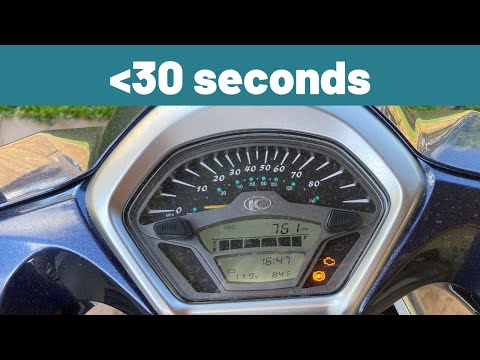
Sometimes it can happen that, after a breakdown in the injection system, the error code 01 continues to appear on the dashboard of our Kymco scooter …
(Various brands) Various
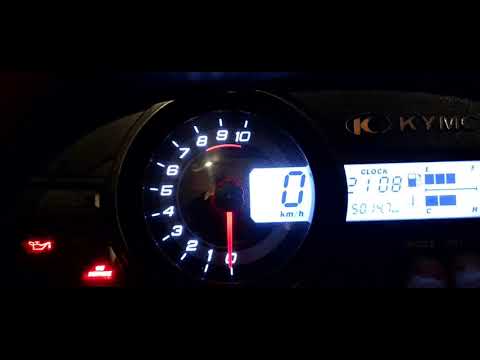
In this video, you will see how to easily switch between degrees Celsius and degrees Fahrenheit on a Kymco scooter: on the multifunction display, amo…
(Various brands) Various
If you have undertaken an oil change on this scooter model yourself, you need to reset the oil change light that has illuminated on the dashboard to …
|
Frequently Asked QuestionsHow to Replace the Battery in a Harley-Davidson Sportster Iron 883?
In this tutorial, you will see how to replace the battery in a Harley-Davidson Sportster Iron 883, a very simple and quick operation. Before proceeding, ensure that the key is not inserted for safety. Start by unscrewing the single bolt securing the seat, then remove the left plastic cover by unlocking the relevant clips. Next, remove the 3 fuses, disconnect the 2 terminals starting with the negative, and unscrew the bolt of the mounting bracket. At this point, you can extract the old battery, insert the replacement, and reassemble everything by following the reverse procedure. by ScegliAuto More videos
|
|
For advertising on this site Write to info@scegliauto.com
ScegliAuto is not responsible for any inaccuracy of the data in the lists. To report any inaccuracy or your business (if you own the business in question), please write to info@scegliauto.com
Number of seconds to generate the page: 0.010
(c) ScegliAuto 2026 - info@scegliauto.com - Privacy policy VAT number: IT01247470535 |
