
|
Do it yourself
| |||
| ||||


|
Model: (Various brands) Various
If the central display on your TVS Jupiter 125 shows the wrong time and you are wondering how to change it manually, just follow this guide and implement the described steps. First, insert the key and turn on the ignition. Immediately after, press and hold the button on the right side and release it as soon as the time starts to flash. At this point, use the button on the left side to change the hour digit. Repeat the same procedure for the minutes, and finally, press and hold the right button one last time to save the changes.
Updated on 3 September 2026 by ScegliAuto
Video tutorial
Related tutorials
(Various brands) Various
In order to set the clock of the TVS Jupiter 125, you need to turn on the instrument panel by inserting the ignition key into the corresponding slot.…
(Various brands) Various
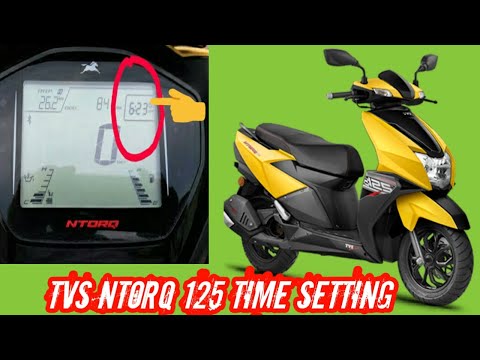
If the central display of your TVS Ntorq 125 shows the wrong time and you want to change it manually, carefully follow the instructions below and the…

(Various brands) Various
In this tutorial, we can see how to adjust the time on the TVS Ntorq 125 scooter, an extremely simple and fast operation to be carried out, for examp…
|
How to Check the Coolant Level in a Yamaha Xmax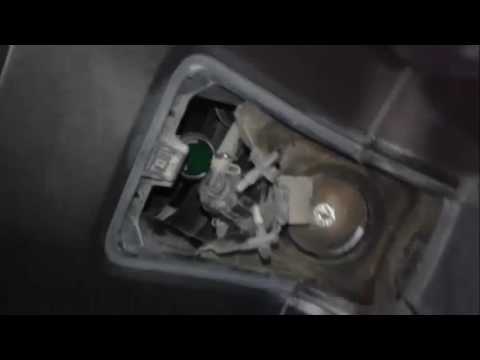
In the following video, you will learn how to check the coolant level in a 2008 Yamaha Xmax. First, position the motorcycle on a stable surface by raising the stand. Next, lift the cover located at the top of the motorcycle to access the coolant drain bolt. To top up the coolant, unscrew the cap as shown in the video and add the fluid until it reaches the maximum level, indicated as Max. Once finished, close the valve and refit the cover. At this point, start the engine and let it run at idle for a few minutes to eliminate any air bubbles that may have formed inside. by ScegliAuto More videos
|
|
For advertising on this site Write to info@scegliauto.com
ScegliAuto is not responsible for any inaccuracy of the data in the lists. To report any inaccuracy or your business (if you own the business in question), please write to info@scegliauto.com
Number of seconds to generate the page: 0.010
(c) ScegliAuto 2026 - info@scegliauto.com - Privacy policy VAT number: IT01247470535 |
