
|
Do it yourself
| |||
| ||||


How do you deactivate functions in the infotainment system of the Volkswagen Golf 7?
Model: Volkswagen Golf
Golf VII, MK 7, Golf 7
- Years 2012-2019
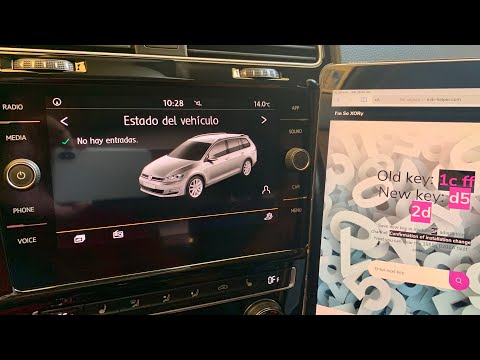
Cars in general, not just the one mentioned in the subject, allow, through the infotainment system and therefore the central screen of the dashboard, to enable and disable many functions, such as the automatic adjustment of the external electric rearview mirrors downwards when reverse gear is engaged. By scrolling through the main menu of settings, just as shown in the video, you can access this and many other activatable and deactivatable options, and if you have a specific app on your phone, you can manage it directly from there.
Posted on 5 September 2024 by ScegliAuto
Video tutorial
Related tutorials
Volkswagen Golf
(2019-2026 /
Golf 8, MK 8, Golf Viii)
This guide provides instructions to activate and deactivate the lane assist function for lane keeping on the Volkswagen Golf. First, get into the veh…

Volkswagen Golf
(2019-2026 /
Golf 8, MK 8, Golf Viii)
In this tutorial, you will see how to restart the infotainment system in a Volkswagen Golf, a very simple operation to perform in various cases of ma…
Volkswagen Golf
(2012-2019 /
Golf VII, MK 7, Golf 7)
To reset the infotainment system on the Volkswagen Golf, turn on the instrument cluster by turning the key in the ignition switch. Then, connect a sc…
Other guides you may be interested in
|
Frequently Asked QuestionsHow to Replace the Cabin Filter on the Opel Grandland X
If you own an Opel Grandland X and want to know the steps to replace the cabin air filter, carefully read the following guide and follow the described steps. First, enter the vehicle and go to the passenger side. Then, locate the box containing the air filter in the lower side area of the dashboard. Remove the cover of the box and finally replace the old filter with the new one. Refit the cover, and you are done. by ScegliAuto More videos
|

|
For advertising on this site Write to info@scegliauto.com
ScegliAuto is not responsible for any inaccuracy of the data in the lists. To report any inaccuracy or your business (if you own the business in question), please write to info@scegliauto.com
Number of seconds to generate the page: 0.061
(c) ScegliAuto 2026 - info@scegliauto.com - Privacy policy VAT number: IT01247470535 |
