
|
Do it yourself
| |||
| ||||


How to activate voice commands on the Volkswagen Golf
Model: Volkswagen Golf
Golf 8, MK 8, Golf Viii
- Years 2019-2026
This brief guide will explain the tips and how to activate voice commands on the Volkswagen Golf. First, we get into the car and start the dashboard and the engine; then we press the appropriate voice command activation button located on the right side of the steering wheel, thus being able to call up the desired function. The voice assistant is compatible with both Siri and Google, depending on the operating system; it is also possible to call up the functions of our smartphone, connected via Bluetooth, being able to take advantage of many other types of functions.
Posted on 18 February 2025 by ScegliAuto
Video tutorial
Related tutorials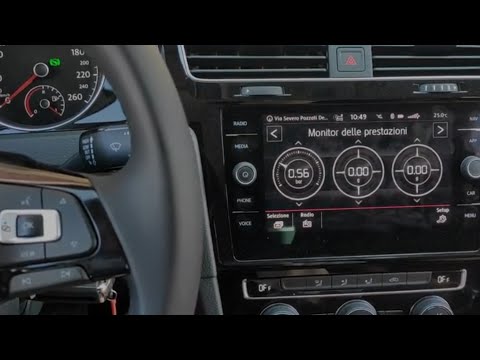
Volkswagen Golf
(2012-2019 /
Golf VII, MK 7, Golf 7)
In this video, you can see how to use voice commands on a Golf 7 by following a few simple steps: Almost all vehicles in the Volkswagen group have an…

Volkswagen Golf
(2019-2026 /
Golf 8, MK 8, Golf Viii)
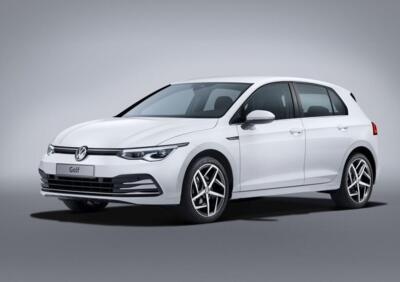
To activate voice commands on a Volkswagen Golf, you can press the dedicated button on the steering wheel and then ask for what you want. Once you pr…
Volkswagen Golf
(2012-2019 /
Golf VII, MK 7, Golf 7)
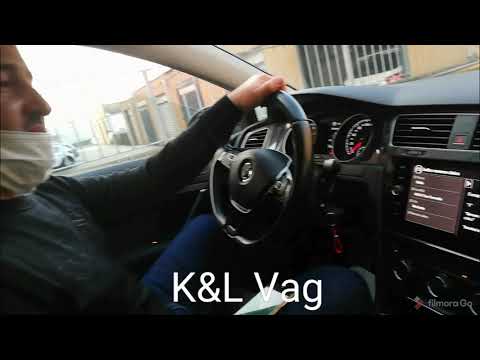
New Volkswagen models feature access to voice commands, a very useful function to avoid distractions while driving. To activate voice commands on a V…
Other guides you may be interested in
|
Frequently Asked QuestionsWhere is the Spare Wheel in the Peugeot 5008?
This video shows where the spare wheel is located in the Peugeot 5008 and how to access it, useful in case of a puncture. As shown, the wheel is not in the usual boot compartment but underneath it, outside the vehicle. To free the wheel, first gather the tools provided, then open the boot, locate the small indicated hatch, and open it. Next, loosen the bolt just released using the large socket wrench enough to lower the wheel to the ground. by ScegliAuto More videos
|
|
For advertising on this site Write to info@scegliauto.com
ScegliAuto is not responsible for any inaccuracy of the data in the lists. To report any inaccuracy or your business (if you own the business in question), please write to info@scegliauto.com
Number of seconds to generate the page: 0.133
(c) ScegliAuto 2026 - info@scegliauto.com - Privacy policy VAT number: IT01247470535 |
