
|
Do it yourself
| |||
| ||||


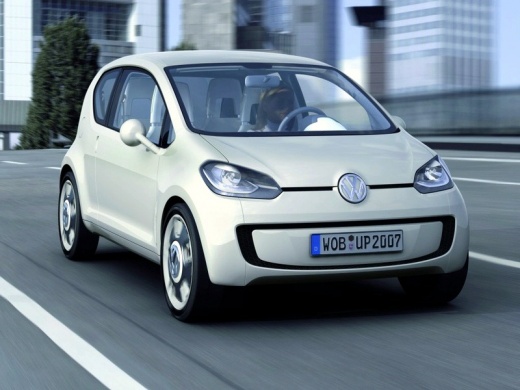
In the Volkswagen Up, how do you set the clock?
Model: Volkswagen Up
MK 1
- Years:
2011, 2012, 2013, 2014, 2015, 2016, 2017, 2018, 2019, 2020, 2021, 2022
Video tutorial
Apart from the change of time, from legal to solar, one of the most frequent reasons that cause the clock to reset, not only in a car, is the battery power disconnection. Fortunately, reprogramming can be done in a few seconds without having to contact qualified technical support. In fact, we simply need to: Turn on the instrument panel, hold down the button next to the tachometer and when the time is highlighted, switch to setting the hours with the 0.0/Set button, press the first button again to switch to the minutes and adjust them with 0.0/Set. Job done.
Posted on 9 July 2025 by ScegliAuto
Related tutorials
Volkswagen Up
(2011-2024 /
MK 1)
Changing the time prompts you to correct and adjust the clock in your car, in this specific case the Volkswagen Up in our video. However, a sudden lo…

Volkswagen Up
(2011-2024 /
MK 1)
Let’s discover how to change the time on the display of the instrument cluster of the Volkswagen Up. First, get in the vehicle and turn on the igniti…
Volkswagen Up
(2011-2024 /
MK 1)
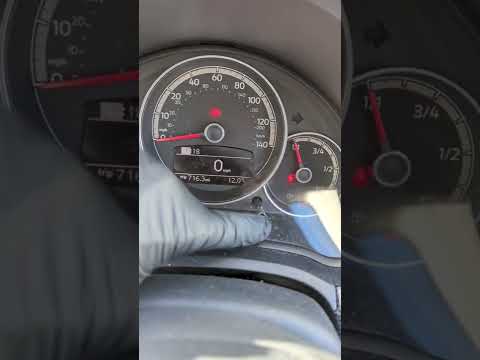
To adjust the clock on the Volkswagen Up, turn on the instrument cluster by turning the key in the ignition switch: when the cluster is on, press and…
Other guides you may be interested in
|
How to Open the Fuel Flap on a Volkswagen Tiguan?
To open the fuel flap on a Volkswagen Tiguan, first unlock the car using the appropriate button on the remote. This will open the car and unlock the mechanism that controls the fuel flap. At this point, apply light pressure to the left side of the flap to open it and access the cap underneath. Once this is unscrewed, you can refuel and then close everything. by ScegliAuto More videos
|
|
For advertising on this site Write to info@scegliauto.com
ScegliAuto is not responsible for any inaccuracy of the data in the lists. To report any inaccuracy or your business (if you own the business in question), please write to info@scegliauto.com
Number of seconds to generate the page: 0.091
(c) ScegliAuto 2026 - info@scegliauto.com - Privacy policy VAT number: IT01247470535 |
