
|
Do it yourself
| |||
| ||||


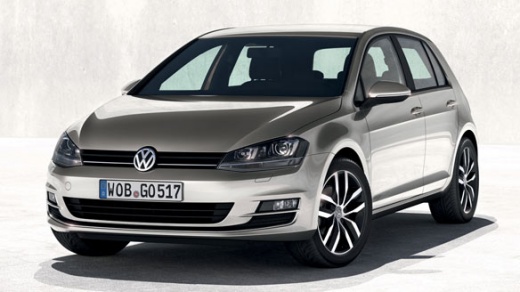
How to Reset the Service Light on Volkswagen Golf 7?
Model: Volkswagen Golf
MK 7, Golf 7, Golf VII
- Years:
2012, 2013, 2014, 2015, 2016, 2017, 2018, 2019
Video tutorial
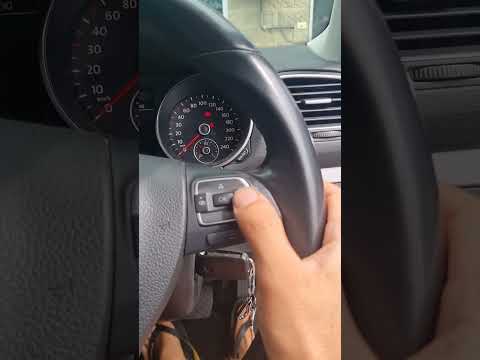
From the instrument cluster of the Volkswagen Golf 7, you can completely clear the Service light by pressing and holding the 0.0 button located at the centre of the instrument cluster while it is off. While continuing to hold this button, turn the key in the corresponding ignition switch to activate the instrument cluster: releasing the button will display a message asking if you really want to clear the maintenance and oil light. Now, by pressing the OK button located on the lever to the right of the steering wheel or on its right spoke, you can make the light disappear completely.
Posted on 2 April 2026 by ScegliAuto
Related tutorials
Volkswagen Golf
(1997-2003 /
Golf IV, Golf 4, MK 4)
If you see the service light appear on the dashboard of your Volkswagen Golf 4, it means a service is due after reaching a certain mileage. To deacti…
Volkswagen Golf
(2008-2012 /
Golf 6, MK 6, 5K1, Golf VI)
To reset the Service light on a Volkswagen Golf 6, you need to turn on the instrument panel to access the menu on the display: scroll right using the…
Volkswagen Golf
(2019-2026 /
MK 8, Golf 8, Golf Viii)
You need to know the procedure to reset the service light for the regular oil change maintenance on the Volkswagen Golf, in order to reset the mileag…
Other guides you may be interested in
|
Where are the fuses located in the Renault Megane 2?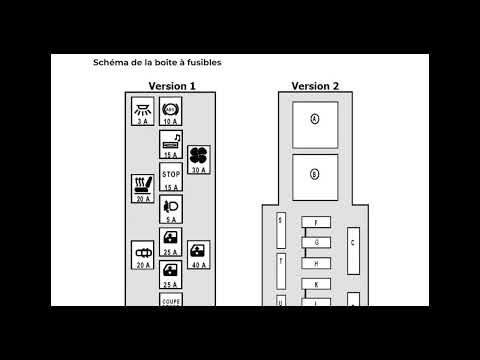
The fuses in the Renault Megane 2 are divided within the specific fuse boxes installed in the vehicle: this model has two fuse boxes. The first is located inside the dashboard, at the bottom left of the steering column: this box contains the fuses for the window lifters, heated seats, courtesy lights, etc. The second fuse box is positioned on the right side of the engine bay and contains the fuses for the windscreen wipers, horn, etc. by ScegliAuto More videos
|
|
For advertising on this site Write to info@scegliauto.com
ScegliAuto is not responsible for any inaccuracy of the data in the lists. To report any inaccuracy or your business (if you own the business in question), please write to info@scegliauto.com
Number of seconds to generate the page: 0.137
(c) ScegliAuto 2026 - info@scegliauto.com - Privacy policy VAT number: IT01247470535 |
