
|
Do it yourself
| |||
| ||||


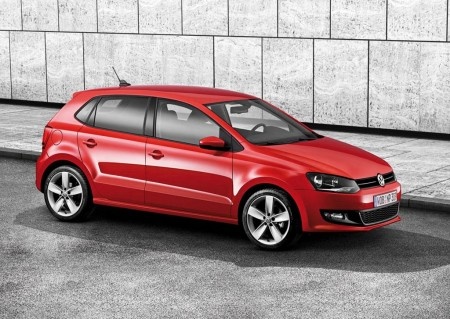
How to Reset the Service Light on a 2016 Volkswagen Polo?
Model: Volkswagen Polo
- Years:
2009, 2010, 2011, 2012, 2013, 2014, 2015, 2016, 2017
Video tutorial
As with all slightly older car models, the service light reset on the 2016 Volkswagen Polo can be quickly performed using the two buttons located below the display of the instrument cluster. The procedure is very simple and quick, and you can see it in full in this short video. First, press and hold the left button below the display and turn the key to switch on the instrument cluster. When the display asks if you want to reset the service light, release the button, press it again briefly, and then press the 'SET' button located on the right, also below the display. Now you can turn off the ignition.
Posted on 28 October 2026 by ScegliAuto
Related tutorials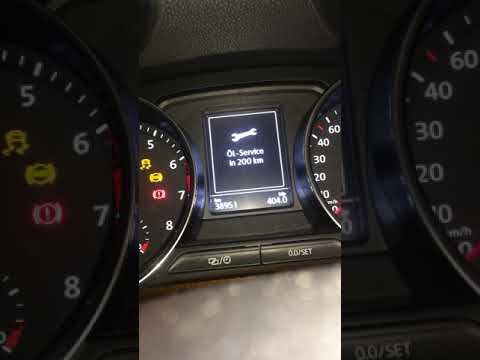
Volkswagen Polo
(2009-2017 /
6R, MK 5, Polo 5, Polo V, MK V)
Follow the procedure to reset the oil change service light on your Volkswagen Polo. First, get into the vehicle and press and hold the button located…

Volkswagen Polo
(2001-2009 /
Polo 4, Polo IV, MK IV, MK 4, 9N)
Good morning, today we are here to discover how to reset the "Service" light on our Volkswagen Polo. Let's start by sitting in the driver's seat of o…
Volkswagen Polo
(2009-2017 /
6R, MK 5, Polo 5, Polo V, MK V)
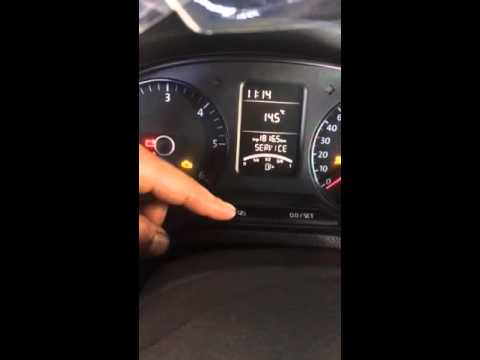
Here’s how to reset the service light on a Volkswagen Polo. To reset the maintenance service light, turn on the vehicle's instrument cluster, use the…
Other guides you may be interested in
|
How to Change the Key Battery of the DS7 Crossback
In today's article, learn how to replace the battery of the key/remote for the DS7 Crossback. You will need a CR2032 battery and a flathead screwdriver for this operation. First, remove the cover where the DS logo is located by inserting the screwdriver underneath and prying it up to lift the cover. Once removed, you will have access to the battery. Replace the battery, then reinsert the cover into its housing and close it by pressing down with your hands. by ScegliAuto More videos
|
|
For advertising on this site Write to info@scegliauto.com
ScegliAuto is not responsible for any inaccuracy of the data in the lists. To report any inaccuracy or your business (if you own the business in question), please write to info@scegliauto.com
Number of seconds to generate the page: 0.096
(c) ScegliAuto 2026 - info@scegliauto.com - Privacy policy VAT number: IT01247470535 |
