
|
Do it yourself
| |||
| ||||


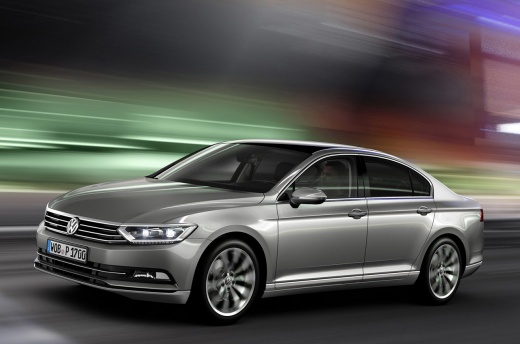
How to Reset the Infotainment System on a Volkswagen Passat B8
Model: Volkswagen Passat
B8, 3G, MK 8
- Years 2014-2023
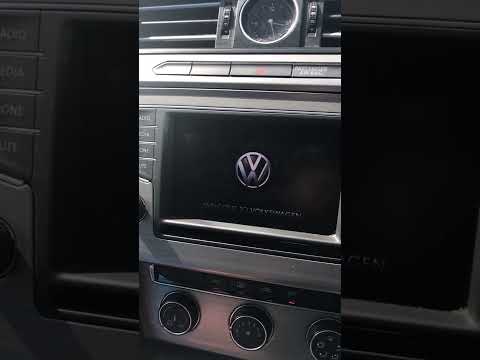
In this video, we can see the steps to follow to reset the infotainment system on a Volkswagen Passat B8. If you notice that the car radio display is not functioning correctly as illustrated in the video, you can perform these simple steps to reset and restore its operation. First, open the car door and enter the vehicle. The next step is to press and hold the Power button on the touchscreen radio, located on the central dashboard; hold it for at least 10 seconds; at this point, you have successfully reset it; the Volkswagen symbol with 'Welcome to Volkswagen' will appear on the radio display. Now you can make the most of your touchscreen radio.
Updated on 29 April 2026 by ScegliAuto
Video tutorial
Related tutorials
Volkswagen Passat
(2010-2014 /
B7)
How to connect your smartphone to a Volkswagen Passat? Follow these steps. Open the car door, sit in the driver's seat, and turn on the multimedia to…
Volkswagen Passat
(2005-2010 /
B6, 3C)
In this brief and simple guide, learn how to reset the multimedia system and radio of the Volkswagen Passat by following the instructions below. Firs…
Volkswagen Passat
(2014-2023 /
B8, 3G, MK 8)
Here’s how to reset the radio in a Volkswagen Passat in simple and quick steps. First, get into the vehicle and turn on the ignition; then press and …
Other guides you may be interested in
|
Frequently Asked QuestionsResetting the Tyre Pressure Warning Light on the Hyundai I20
Today, let's look at the instructions to reset the tyre pressure warning light on the Hyundai I20 in simple and quick steps. The vehicle is equipped with an automatic TPMS that constantly monitors tyre pressures; when an anomaly occurs, the system triggers an alarm, displaying the relevant warning light on the dashboard. So, restore the tyre pressures, which will automatically reset the TPMS light on the dashboard; finally, turn off the ignition and start the engine! by ScegliAuto More videos
|
|
For advertising on this site Write to info@scegliauto.com
ScegliAuto is not responsible for any inaccuracy of the data in the lists. To report any inaccuracy or your business (if you own the business in question), please write to info@scegliauto.com
Number of seconds to generate the page: 0.253
(c) ScegliAuto 2026 - info@scegliauto.com - Privacy policy VAT number: IT01247470535 |
