
|
Do it yourself
| |||
| ||||



How do you reset the service light in the Volvo C30?
Model: Volvo C30
MK 1
- Years:
2006, 2007, 2008, 2009, 2010, 2011, 2012, 2013
Video tutorial
Many DIY drivers prefer to take care of their own car maintenance, such as changing the motor oil, filters, brake pads, and so on. However, after performing these tasks, it is also necessary to reset warning lights, such as the Service light. Several programs can be installed on a computer to help with this, which, when configured and connected to the car's ECU through the OBD port, can easily identify and reset the light in just a few steps, as shown in this video. It only requires a bit of computer skills and nothing else.
Posted on 24 December 2024 by ScegliAuto
Related tutorials
Volvo C30
(2006-2013 /
MK 1)
Today, we will look at the instructions that will allow us to reset the routine maintenance (service) light on the Volvo C30. First, get into the veh…

Volvo C30
(2006-2013 /
MK 1)
Let's briefly review the instructions that will allow you to reset the service light for routine maintenance on the Volvo C30. First, get in the vehi…
Volvo C30
(2006-2013 /
MK 1)
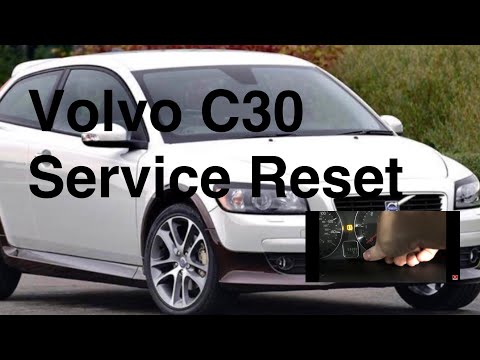
To reset the Service light on a Volvo C30, press and hold the TRIP button located in the centre of the instrument cluster. While holding this button,…
Other guides you may be interested in
|
How to Open the Fuel Flap on a Volkswagen Tiguan?
To open the fuel flap on a Volkswagen Tiguan, first unlock the car using the appropriate button on the remote. This will open the car and unlock the mechanism that controls the fuel flap. At this point, apply light pressure to the left side of the flap to open it and access the cap underneath. Once this is unscrewed, you can refuel and then close everything. by ScegliAuto More videos
|
|
For advertising on this site Write to info@scegliauto.com
ScegliAuto is not responsible for any inaccuracy of the data in the lists. To report any inaccuracy or your business (if you own the business in question), please write to info@scegliauto.com
Number of seconds to generate the page: 0.029
(c) ScegliAuto 2026 - info@scegliauto.com - Privacy policy VAT number: IT01247470535 |
