
|
Do it yourself
| |||
| ||||


|
Model: Yamaha Tricity 300
In this video, we can see how to change the battery of the three-wheeled scooter, which has two front wheels, the Yamaha Tricity 300. The YouTuber gives us a purchase suggestion on Amazon, mentioning the name of the battery: it is located inside the handlebar stem, which must be removed by taking out the two screws located on the scooter's footrest. Once these are removed, we need to gently but firmly pull the cover towards us to take off the plastic covering. We disconnect the negative terminal first, then the positive, and remove the rubber strap that secures the battery in its compartment. We place the new battery in its spot and reconnect everything, starting with the safety strap, then the positive terminal, and finally the negative terminal. We put the cover of the stem back in place, and the job is done.
Posted on 21 December 2025 by ScegliAuto
Video tutorial
Related tutorials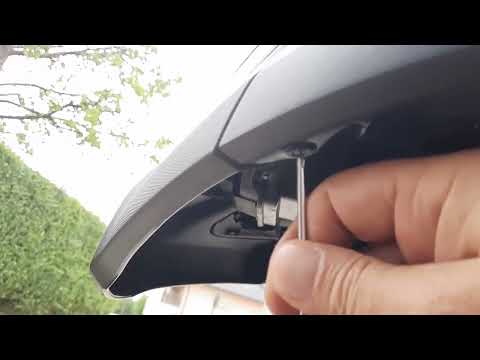
Tricity 300
In this video, you can see where the battery is located on the Yamaha Tricity 300 scooter, useful for instance if you need to recharge it, replace it…
Tricity 300
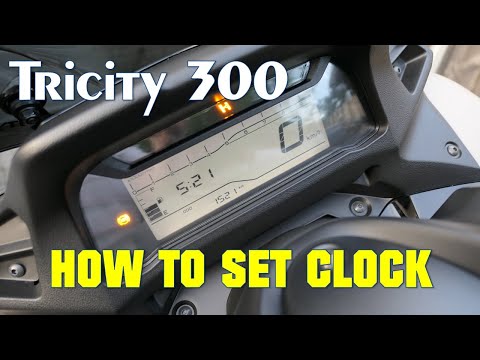
If you own a Yamaha Tricity 300 and want to know how to manually change the time displayed on the instrument panel, follow these steps. First, insert…

Tricity 300
Today we will learn how to adjust the time on the display of the instrument panel on the Yamaha Tricity 300 scooter. First, put the scooter on the ce…
|
How to Replace the Air Filter on a Honda CB500X?
Replacing the air filter on the Honda CB500X, as shown in this tutorial, is a very simple and quick operation. First, remove the seat, then loosen the nut securing the negative terminal of the battery, disconnect it, and repeat the process for the positive terminal. Next, detach the upper strap, remove the battery, and unscrew the 4 screws securing the airbox cover. Once opened, you can extract the old filter, remove any residue present in the housing, and fit the new part. by ScegliAuto More videos
|
|
For advertising on this site Write to info@scegliauto.com
ScegliAuto is not responsible for any inaccuracy of the data in the lists. To report any inaccuracy or your business (if you own the business in question), please write to info@scegliauto.com
Number of seconds to generate the page: 0.007
(c) ScegliAuto 2026 - info@scegliauto.com - Privacy policy VAT number: IT01247470535 |
