
|
Do it yourself
| |||
| ||||


Yamaha Tricity 300 - Video guides Yamaha Tricity 300
 How to Set the Clock on the Instrument Panel of the Yamaha Tricity 300 The following steps will show you how to adjust the clock on the display of the instrument panel of the Yamaha Tricity 300 scooter. First, place the scooter on …Read all… Posted on 25 February 2026 by ScegliAuto  Yamaha Tricity 300
 How to change the battery of the Yamaha Tricity 300 In this video, we can see how to change the battery of the three-wheeled scooter, which has two front wheels, the Yamaha Tricity 300. The YouTuber gives us a …Read all… Posted on 22 December 2025 by ScegliAuto  Yamaha Tricity 300
 How to change the time on the Yamaha Tricity 300 Today we will learn how to adjust the time on the display of the instrument panel on the Yamaha Tricity 300 scooter. First, put the scooter on the center stand …Read all… Posted on 14 November 2025 by ScegliAuto  Yamaha Tricity 300
 How do you set the clock on the Yamaha Tricity 300? On the instrument panel of the Yamaha Tricity 300, you can adjust the clock by turning on the instrument panel, inserting the ignition key into the …Read all… Posted on 25 October 2025 by ScegliAuto  Yamaha Tricity 300
 How to set the clock on the Yamaha Tricity 300 The following steps will allow us to set the clock of the Yamaha Tricity 300 scooter. First, we put the scooter on the stand and start turning on the …Read all… Posted on 3 June 2025 by ScegliAuto  Yamaha Tricity 300
 How to Set the Clock on the Yamaha Tricity 300? To set the clock on the Yamaha Tricity 300, turn on the ignition by inserting the key into the ignition switch: once the dashboard is on, press and hold the …Read all… Posted on 24 September 2026 by ScegliAuto  Yamaha Tricity 300
 How to Replace the Rear-View Mirror on a Yamaha Tricity In this brief and simple guide, remove and replace the rear-view mirror on your Yamaha Tricity scooter. First, place the scooter on its centre stand and start …Read all… Posted on 10 August 2026 by ScegliAuto 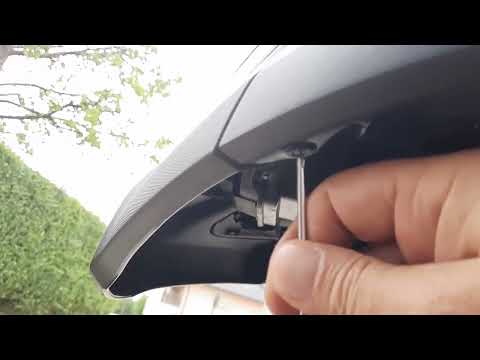 Yamaha Tricity 300
 Where is the battery located on the Yamaha Tricity 300 scooter? In this video, you can see where the battery is located on the Yamaha Tricity 300 scooter, useful for instance if you need to recharge it, replace it, or …Read all… Posted on 31 July 2026 by ScegliAuto 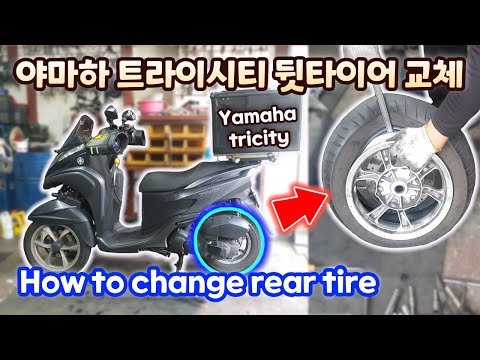 Yamaha Tricity 300
 How to Replace the Rear Tyre and Wheel Rim of the Yamaha TriCity In this brief and simple guide, follow the steps to remove and replace the rear tyre and wheel rim of the Yamaha TriCity scooter. First, place your scooter on …Read all… Posted on 10 July 2026 by ScegliAuto 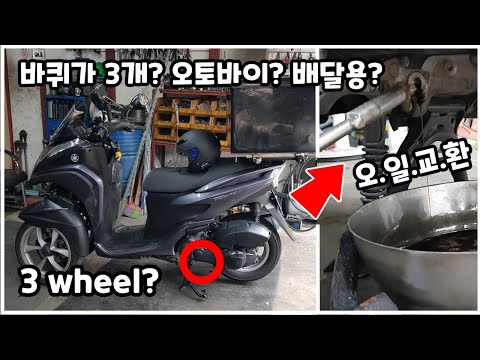 Yamaha Tricity 300
 How to Change the Engine Oil in a Yamaha TriCity Scooter? In this tutorial, you will see how to change the engine oil in a Yamaha TriCity scooter, a very simple and quick operation to perform every approximately 620 …Read all… Posted on 16 September 2026 by ScegliAuto 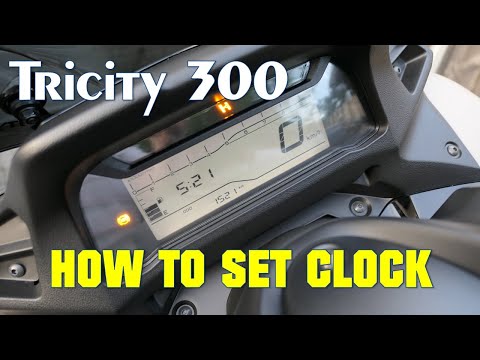 Yamaha Tricity 300
 How to Set the Time on a Yamaha Tricity 300? If you own a Yamaha Tricity 300 and want to know how to manually change the time displayed on the instrument panel, follow these steps. First, insert the key …Read all… Posted on 30 August 2026 by ScegliAuto |
See also:Fuses Location and Diagram for the Volkswagen Crafter
In this guide, we will look at the location of the fuse boxes and how to find their diagram for the Volkswagen Crafter. First, get inside the vehicle and start by removing the plastic cover found under the steering wheel, to access the internal fuse box; you will find another fuse box in the engine compartment by removing the plastic cover located next to the battery. At this point, use the owner's manual to find the fuse diagram, which will allow you to identify and replace any blown fuses with new ones! by ScegliAuto More videos
|
|
For advertising on this site Write to info@scegliauto.com
ScegliAuto is not responsible for any inaccuracy of the data in the lists. To report any inaccuracy or your business (if you own the business in question), please write to info@scegliauto.com
Number of seconds to generate the page: 0.006
(c) ScegliAuto 2026 - info@scegliauto.com - Privacy policy VAT number: IT01247470535 |
