
|
Do it yourself
| |||
| ||||


|
Model: Yamaha Majesty 400
In a few simple steps, we will see how to disassemble and replace the battery of the Yamaha Majesty 400. First, lift the seat and start unscrewing the two fastening screws located inside, behind the rear light; then remove the plastic cover to access the battery compartment, as shown in the video. At this point, disconnect both battery terminals (positive and negative), remove the old battery, and replace it with the new one; ensure the battery amperage is correct and reconnect the electrical terminals, then reassemble the plastic cover.
Posted on 30 December 2025 by ScegliAuto
Video tutorial
Related tutorials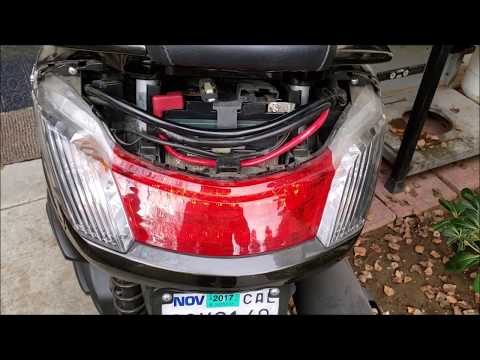
Majesty 400
To replace the battery of the Yamaha Majesty 400, first loosen the screws securing the plastic cover located directly above the rear headlamp. Once t…
Majesty 400
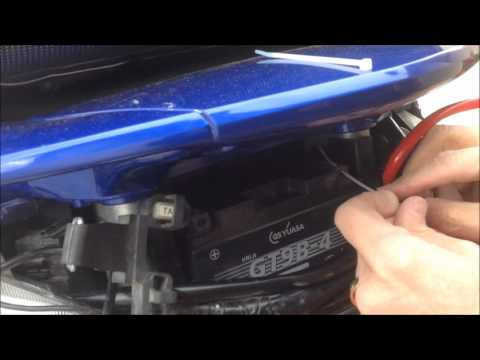
To replace the battery in the Yamaha Majesty 400, you need to remove the plastic cover located at the rear of the bike, just above the rear lights. O…
Majesty 400
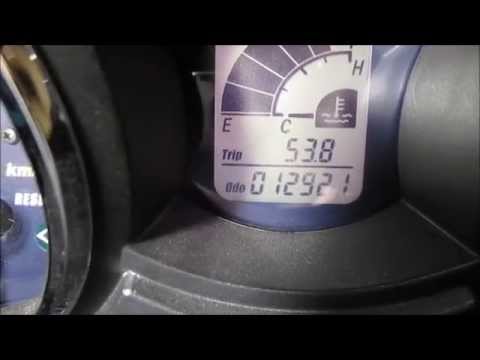
If you notice the drive belt warning light on the dashboard of your Yamaha Majesty 400, do not worry because with the following guide you will be abl…
|
Changing the Oil and Filter on the Kawasaki Versys
Here’s how to change the oil and filter on the Kawasaki Versys. Warm up the engine for a few minutes, place the motorcycle on the centre stand, open the filler cap, and remove the drain plug underneath the engine. Place a catch basin under the oil sump, unscrew the drain plug, and let the oil drain out. Unscrew the oil filter and let all the old oil drain out. Install a new filter and tighten it with the appropriate tool. Pour half a glass of new oil into the filler cap and wait for it to flow out of the drain hole, after which replace the plug. Fill with approximately 1.8 litres of new oil, take it for a short ride to circulate the oil in the engine, stop the engine, and check the level through the designated window. Top up if necessary. by ScegliAuto More videos
|
|
For advertising on this site Write to info@scegliauto.com
ScegliAuto is not responsible for any inaccuracy of the data in the lists. To report any inaccuracy or your business (if you own the business in question), please write to info@scegliauto.com
Number of seconds to generate the page: 0.006
(c) ScegliAuto 2026 - info@scegliauto.com - Privacy policy VAT number: IT01247470535 |
