
|
Do it yourself
| |||
| ||||


Model: Yamaha R1
Need to replace the rear pads on your Yamaha? You’re in the right place; we’ll do it together quickly. Purchase the compatible replacement online or from a dealer. Pay attention to the type of compound you need. Track: for good braking even when the braking system is pushed to the limit; road: provide safe braking even when cold, but if pushed to the limit, they increase stopping distance. Remove the rear caliper by taking off the two bolts. Slide out the pad pin to release them. Retract the caliper piston without ever opening the brake fluid reservoir. Insert the new parts and refit everything.
Updated on 8 March 2026 by ScegliAuto
Video tutorial
Related tutorials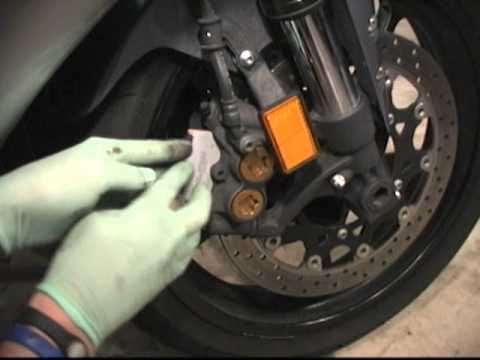
R1
Today, replace the pads on your R1. First, purchase the replacement online or from a dealer. Ensure it is compatible with your caliper model. In the …
|
How to Replace the Remote Battery on a Ducati Multistrada?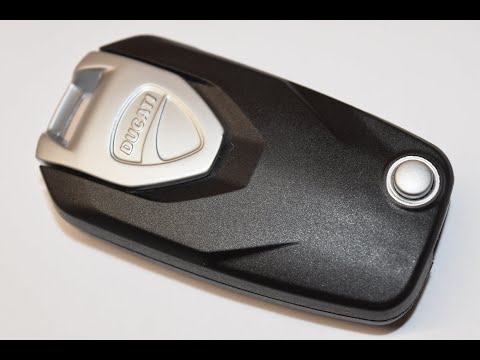
In this tutorial, you will learn how to replace the battery in the remote control of the Ducati Multistrada, a very simple and quick operation. You will need a replacement CR2032 battery and a small flathead screwdriver. First, grab the remote from the rear compartment, then push it down and unlock it. Next, remove the rubber cap using the screwdriver, take out the old battery, and insert the new one, ensuring the polarity is correct. Finally, reassemble everything by following the reverse procedure. by ScegliAuto More videos
|
|
For advertising on this site Write to info@scegliauto.com
ScegliAuto is not responsible for any inaccuracy of the data in the lists. To report any inaccuracy or your business (if you own the business in question), please write to info@scegliauto.com
Number of seconds to generate the page: 0.075
(c) ScegliAuto 2026 - info@scegliauto.com - Privacy policy VAT number: IT01247470535 |
