
|
Do it yourself
| |||
| ||||


|
Model: Yamaha Xmax 300
The following steps will show you how to reset the regular maintenance warning on the Yamaha Xmax 300 scooter. First, place it on the centre stand and start the instrument panel; then press the button located at the bottom right of the handlebar until you reach the engine oil message on the display, as shown in the video. At this point, hold down the button to the left until the service kilometre counter resets, thus clearing the maintenance warning from the display; turn off the ignition and start the engine!
Posted on 7 April 2026 by ScegliAuto
Video tutorial
Related tutorials
Xmax 300
The following steps will allow us to reset the maintenance service reminder for the engine oil change of the Yamaha Xmax 300 scooter. First, we put t…

Xmax 300
Today's procedure will allow us to reset the maintenance reminder for the oil change service of the Yamaha Xmax 300 scooter. First, we put the scoote…

Xmax 300
Today's instructions will allow us to reset the service warning on the Yamaha Xmax 300 scooter. First, place the scooter on its stand and turn on the…
|
How to Replace the Battery of the Kymco Agility 125?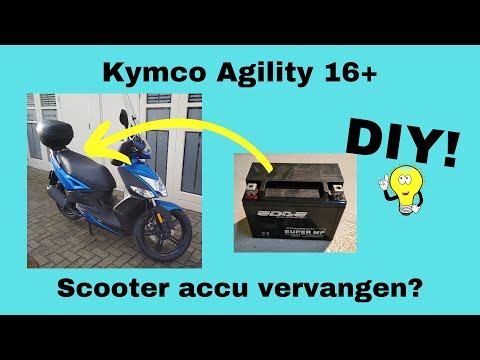
To replace the battery of the Kymco Agility 125, lift the seat to access the compartment underneath. At the rear of the under-seat compartment, you will find the battery under the corresponding panel. By unscrewing the screws that secure the panel, you can access the battery underneath, which must be freed from the corresponding securing screws and the appropriate power cables. Once the device is free, insert the new one, connecting and securing it properly, and cover everything with the panel. by ScegliAuto More videos
|
|
For advertising on this site Write to info@scegliauto.com
ScegliAuto is not responsible for any inaccuracy of the data in the lists. To report any inaccuracy or your business (if you own the business in question), please write to info@scegliauto.com
Number of seconds to generate the page: 0.006
(c) ScegliAuto 2026 - info@scegliauto.com - Privacy policy VAT number: IT01247470535 |
