
|
Do it yourself
| |||
| ||||


Model: Yamaha Fz6
In this video, you will see how to remove and replace the battery on a Yamaha FZ6, including the Fazer version. First, remove the motorcycle seat by unlocking it with the key; then unscrew the screws of the front plastic fairing (in the case of the Fazer) and unscrew the upper screws of the fuel tank. At this point, lift the tank and disconnect the two battery terminals (positive and negative), unscrewing the screws with a screwdriver or a 10 mm spanner; simply remove the old battery and replace it with a new one, as shown in the video!
Updated on 1 April 2026 by ScegliAuto
Video tutorial
Related tutorials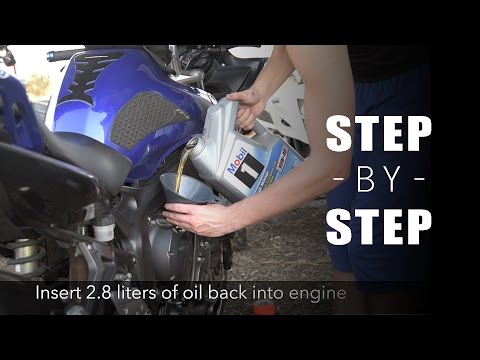
Fz6
In today’s tutorial, see how to replace the engine oil and oil filter while performing routine maintenance on a Yamaha FZ6 and FZ6 Fazer. First, posi…

Fz6
Discover how to remove the rear wheel of the Yamaha FZ6, including the Fazer version, by following the instructions below. First, place the central s…

Fz6
These short and simple instructions will show us how to access the fuse box of the Yamaha FZ6 motorcycle, as well as the FZ6 Fazer. First, we put the…
|
How to Remove the Oil Warning Light on the Sym MaxSym 500 TL Scooter?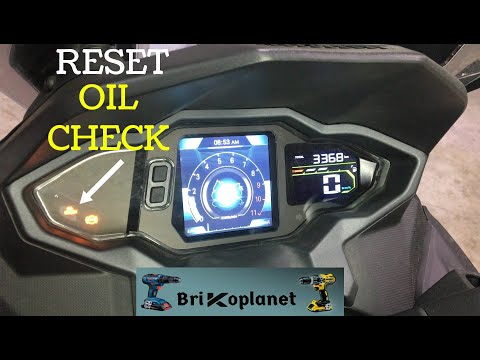
In this tutorial, we will see how to remove the oil warning light on the Sym MaxSym 500 TL scooter. This simple and quick operation should only be performed after completing the scheduled maintenance tasks. First, insert the key and turn on the instrument panel, then scroll through the screens using the lower left button until you reach the service interval screen. At this point, press the upper button once to start the reset procedure, and a second time to complete it. Restart the scooter afterwards and check that the operation was successful. by ScegliAuto More videos
|
|
For advertising on this site Write to info@scegliauto.com
ScegliAuto is not responsible for any inaccuracy of the data in the lists. To report any inaccuracy or your business (if you own the business in question), please write to info@scegliauto.com
Number of seconds to generate the page: 0.006
(c) ScegliAuto 2026 - info@scegliauto.com - Privacy policy VAT number: IT01247470535 |
