
|
Do it yourself
| |||
| ||||


|
Model: Sym Maxsym Tl 500
In this tutorial, we will see how to remove the oil warning light on the Sym MaxSym 500 TL scooter. This simple and quick operation should only be performed after completing the scheduled maintenance tasks. First, insert the key and turn on the instrument panel, then scroll through the screens using the lower left button until you reach the service interval screen. At this point, press the upper button once to start the reset procedure, and a second time to complete it. Restart the scooter afterwards and check that the operation was successful.
Updated on 8 July 2026 by ScegliAuto
Video tutorial
Related tutorials
Maxsym Tl 500
In this guide, we will see the instructions that will allow us to change the engine oil while performing the routine maintenance service for the Sym …

Maxsym Tl 500
This brief and simple guide shows how to perform the routine maintenance service for changing the oil on the Sym MaxSym TL 500 scooter. First, place …
Maxsym Tl 500
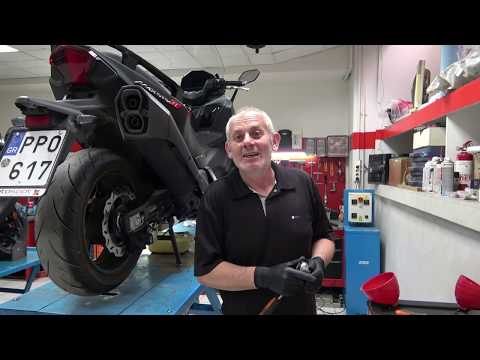
In this video, you will learn how to replace the engine oil and oil filter on a Sym Maxsym TL 500 scooter. First, position the scooter on the centre …
|
Replacing the Headlight Bulb on the Yamaha Mio 125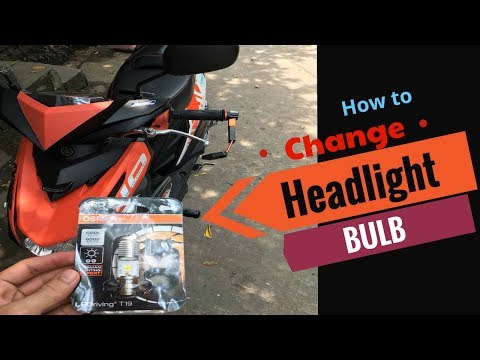
This brief guide will show you how to remove and replace the headlight bulb on the Yamaha Mio 125 scooter in simple and quick steps. First, place the scooter on the centre stand and begin to remove the front headlight; to do this, unscrew the fastening screws located at the bottom and disconnect the electrical connector of the light found at the back, as illustrated in the video. At this point, remove and replace the bulb with a new one of the correct type and with the same fitting; finally, reassemble the front headlight with its front fairing! by ScegliAuto More videos
|
|
For advertising on this site Write to info@scegliauto.com
ScegliAuto is not responsible for any inaccuracy of the data in the lists. To report any inaccuracy or your business (if you own the business in question), please write to info@scegliauto.com
Number of seconds to generate the page: 0.253
(c) ScegliAuto 2026 - info@scegliauto.com - Privacy policy VAT number: IT01247470535 |
